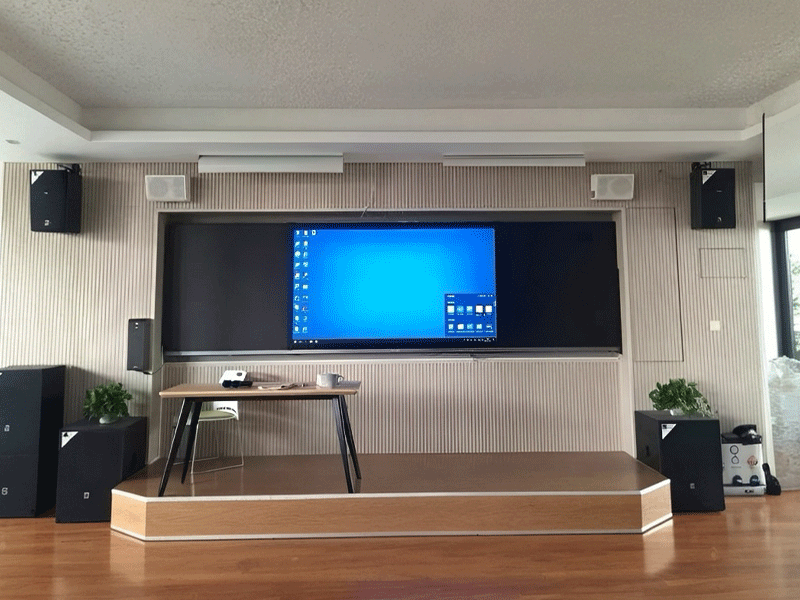

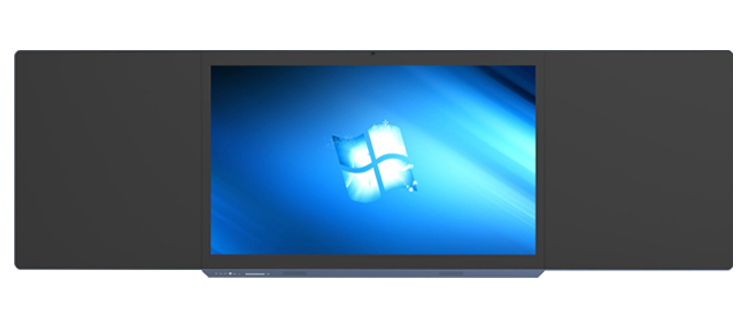
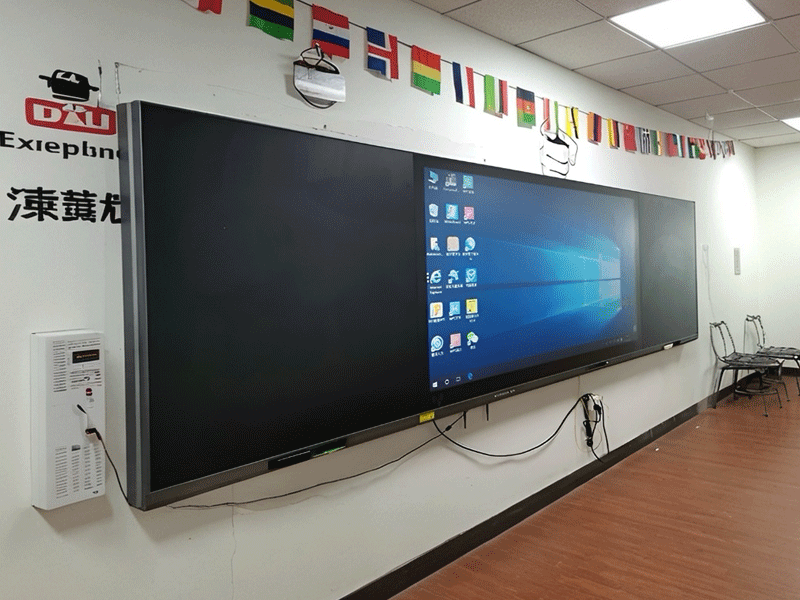
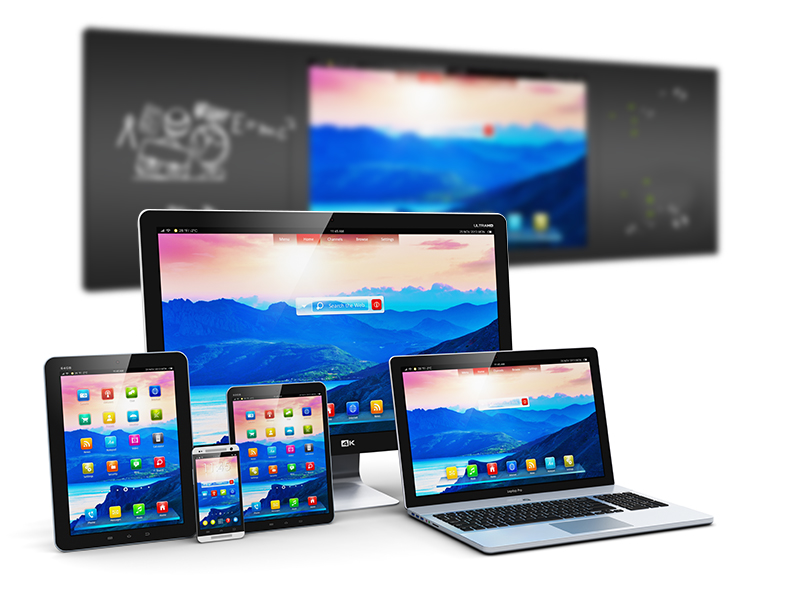

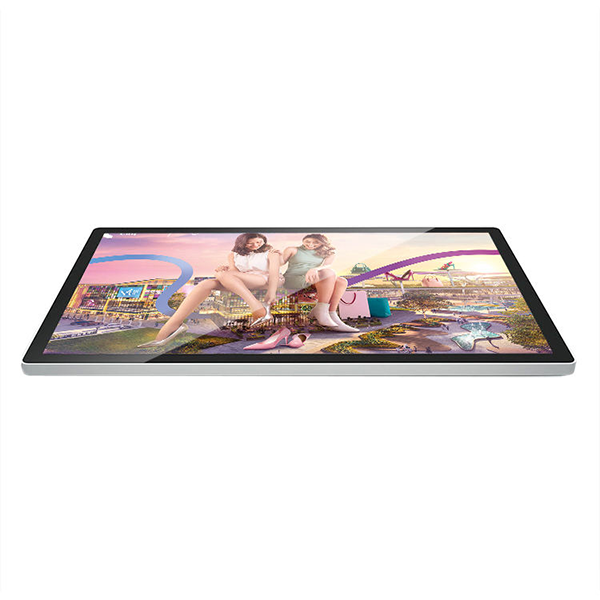
Lcd led digital intelligent 4k touch screen interactive panel whiteboard nano smart classroom blackboard

teaching nano blackboard-9
$800
Feature: google display advertising companies;google ads responsive display ads;google ads display assessment;gdn banner ads
Size: 50'';55'';65'';75'';85'';98'';100'';110''
Operation System: Android;Windows;Dual system
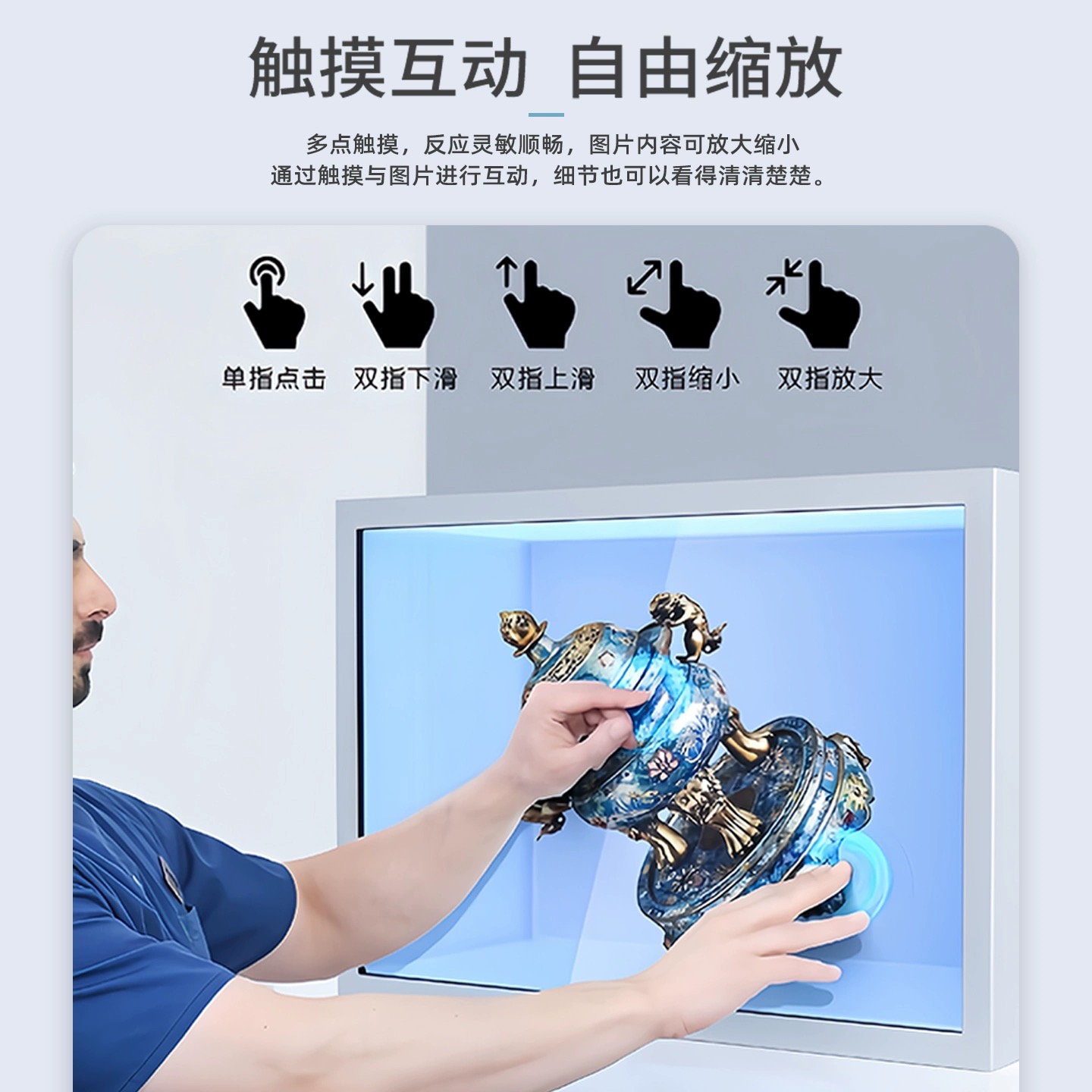
Screen: Touchscreen
Installation: Vertical;Horizontal;Wall-mounted;Portable
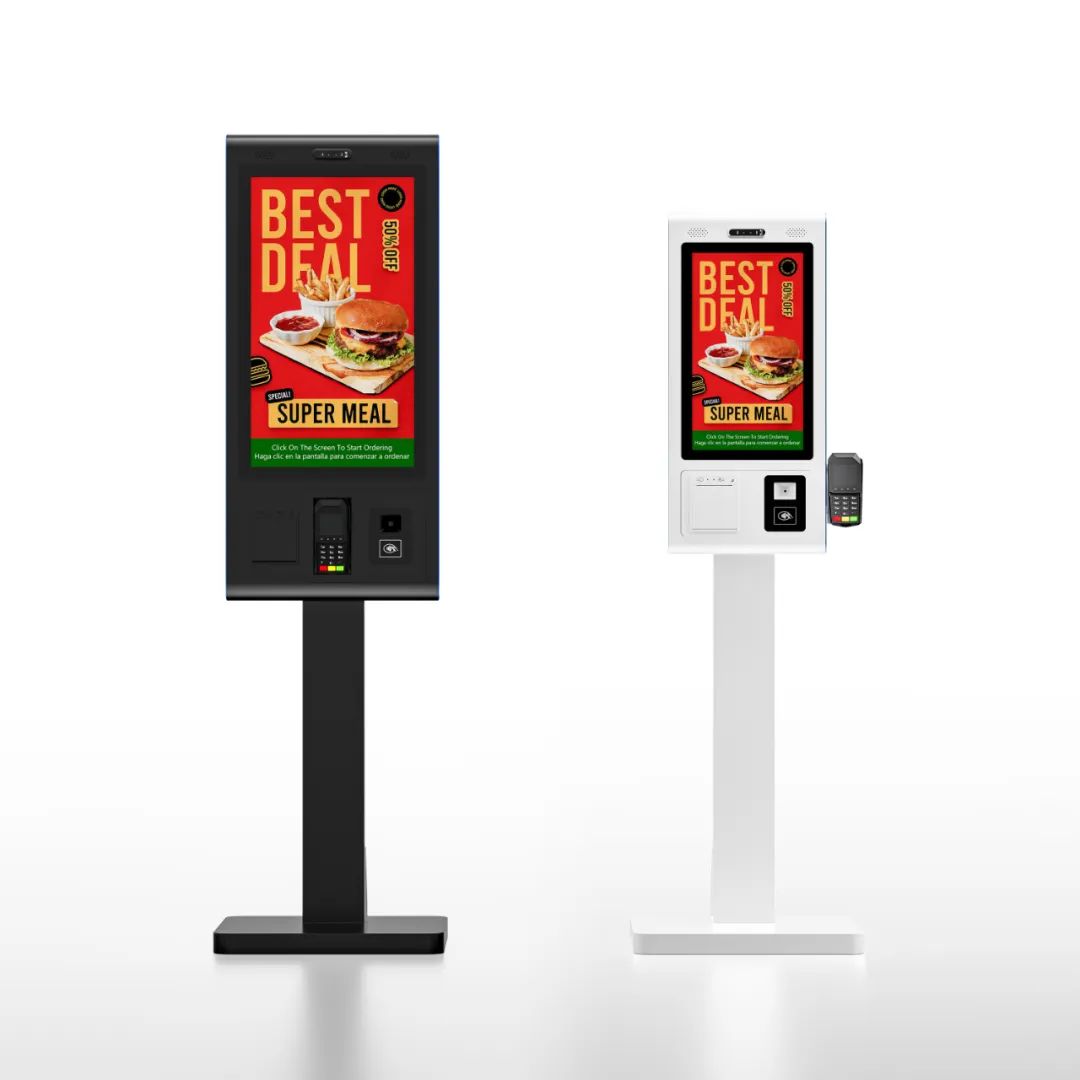
Type: Advertising Machine;Conference Machine;Digital Signage Display;Teaching All-in-one Machine
Product Details
Product Details

Troubleshooting & Maintenance: Solutions for Touch Failure & System Switching Issues 1. Touch Malfunction Diagnosis 1.1 Basic Checks Step 1: Verify screen protector compatibility (OEM recommended) Step 2: Check stylus battery (green LED = normal) Step 3: Hard reboot (hold power 10s) 1.2 Advanced Diagnostics


Symptom

Possible Cause

Solution

Dead zones

Capacitive grid damage

25-point calibration → Replace

Stylus works/finger fails

Palm rejection enabled

Settings → Touch → Disable "Palm Rejection"

Intermittent touch

2.4GHz interference

Switch to 5GHz WiFi


1.3 Calibration Procedure
1).Engineering mode: Hold "Vol+" + "Home" for 5s
2).Select "25-point calibration"
3).Tap marked points with OEM stylus
4).Reboot after saving (≈3 mins)
2. OS Switching Failures
2.1 Error Codes
E-101: OPS not detected → Reinsert module + check 12V power
E-205: System file conflict → Use recovery USB (from manufacturer)
E-308: Timeout → Update BIOS to V2.1.5+
2.2 Data Sync Issues
Symptom: Windows files invisible in Android
Fix:
1.Confirm shared partition is NTFS
2.Check "FileBridge" service status in Android
3.Remount: adb shell mount -t ntfs /dev/sda4 /mnt/share
3. Hardware Maintenance
3.1 Routine Care
Cleaning:
Screen: Microfiber cloth daily
Vents: Compressed air weekly
Environment:
Temperature: 10℃-35℃ (auto-protection triggers beyond)
Humidity: 30%-70%RH (anti-condensation)
3.2 Parts Replacement


Component

Lifespan

Replacement Guide

Stylus tip

500k clicks

Twist counterclockwise → Snap new tip

Cooling fan

3yrs/20k hours

Professional service required

Battery

5yrs

Contact authorized service


4. Software Troubleshooting
4.1 System Lag
Quick fix: Three-finger swipe down → End task
Permanent solution:
1.Safe mode (press F8 repeatedly at boot)
2.Run sfc /scannow
3.Reset virtual memory: 1.5-2× physical RAM
4.2 Driver Conflicts
Touch driver: Download latest from official support page
GPU driver: Disable Windows auto-update, use OEM drivers
5. Emergency Recovery
5.1 System Crash
1.Insert recovery USB (pre-made)
2.Press F12 for boot menu
3.Select "Quick Repair" (keeps user data)
5.2 Cloud Recovery

Requirement: Active internet connection

Steps:
1.Settings → System → Advanced recovery → Cloud reset
2.Enter device serial number
3.Download latest OS image (≈20 mins)

We use cookie to improve your online experience. By continuing to browse this website, you agree to our use of cookie.

Cookies

Please read our Terms and Conditions and this Policy before accessing or using our Services. If you cannot agree with this Policy or the Terms and Conditions, please do not access or use our Services. If you are located in a jurisdiction outside the European Economic Area, by using our Services, you accept the Terms and Conditions and accept our privacy practices described in this Policy.
We may modify this Policy at any time, without prior notice, and changes may apply to any Personal Information we already hold about you, as well as any new Personal Information collected after the Policy is modified. If we make changes, we will notify you by revising the date at the top of this Policy. We will provide you with advanced notice if we make any material changes to how we collect, use or disclose your Personal Information that impact your rights under this Policy. If you are located in a jurisdiction other than the European Economic Area, the United Kingdom or Switzerland (collectively “European Countries”), your continued access or use of our Services after receiving the notice of changes, constitutes your acknowledgement that you accept the updated Policy. In addition, we may provide you with real time disclosures or additional information about the Personal Information handling practices of specific parts of our Services. Such notices may supplement this Policy or provide you with additional choices about how we process your Personal Information.


Cookies

Cookies are small text files stored on your device when you access most Websites on the internet or open certain emails. Among other things, Cookies allow a Website to recognize your device and remember if you've been to the Website before. Examples of information collected by Cookies include your browser type and the address of the Website from which you arrived at our Website as well as IP address and clickstream behavior (that is the pages you view and the links you click).We use the term cookie to refer to Cookies and technologies that perform a similar function to Cookies (e.g., tags, pixels, web beacons, etc.). Cookies can be read by the originating Website on each subsequent visit and by any other Website that recognizes the cookie. The Website uses Cookies in order to make the Website easier to use, to support a better user experience, including the provision of information and functionality to you, as well as to provide us with information about how the Website is used so that we can make sure it is as up to date, relevant, and error free as we can. Cookies on the Website We use Cookies to personalize your experience when you visit the Site, uniquely identify your computer for security purposes, and enable us and our third-party service providers to serve ads on our behalf across the internet.

We classify Cookies in the following categories:
 ●  Strictly Necessary Cookies
 ●  Performance Cookies
 ●  Functional Cookies
 ●  Targeting Cookies


Cookie List
A cookie is a small piece of data (text file) that a website – when visited by a user – asks your browser to store on your device in order to remember information about you, such as your language preference or login information. Those cookies are set by us and called first-party cookies. We also use third-party cookies – which are cookies from a domain different than the domain of the website you are visiting – for our advertising and marketing efforts. More specifically, we use cookies and other tracking technologies for the following purposes:

Strictly Necessary Cookies
These cookies are necessary for the website to function and cannot be switched off in our systems. They are usually only set in response to actions made by you which amount to a request for services, such as setting your privacy preferences, logging in or filling in forms. You can set your browser to block or alert you about these cookies, but some parts of the site will not then work. These cookies do not store any personally identifiable information.

Functional Cookies
These cookies enable the website to provide enhanced functionality and personalisation. They may be set by us or by third party providers whose services we have added to our pages. If you do not allow these cookies then some or all of these services may not function properly.

Performance Cookies
These cookies allow us to count visits and traffic sources so we can measure and improve the performance of our site. They help us to know which pages are the most and least popular and see how visitors move around the site. All information these cookies collect is aggregated and therefore anonymous. If you do not allow these cookies we will not know when you have visited our site, and will not be able to monitor its performance.

Targeting Cookies
These cookies may be set through our site by our advertising partners. They may be used by those companies to build a profile of your interests and show you relevant adverts on other sites. They do not store directly personal information, but are based on uniquely identifying your browser and internet device. If you do not allow these cookies, you will experience less targeted advertising.

How To Turn Off Cookies
You can choose to restrict or block Cookies through your browser settings at any time. Please note that certain Cookies may be set as soon as you visit the Website, but you can remove them using your browser settings. However, please be aware that restricting or blocking Cookies set on the Website may impact the functionality or performance of the Website or prevent you from using certain services provided through the Website. It will also affect our ability to update the Website to cater for user preferences and improve performance. Cookies within Mobile Applications

We only use Strictly Necessary Cookies on our mobile applications. These Cookies are critical to the functionality of our applications, so if you block or delete these Cookies you may not be able to use the application. These Cookies are not shared with any other application on your mobile device. We never use the Cookies from the mobile application to store personal information about you.

If you have questions or concerns regarding any information in this Privacy Policy, please contact us by email at . You can also contact us via our customer service at our Site.