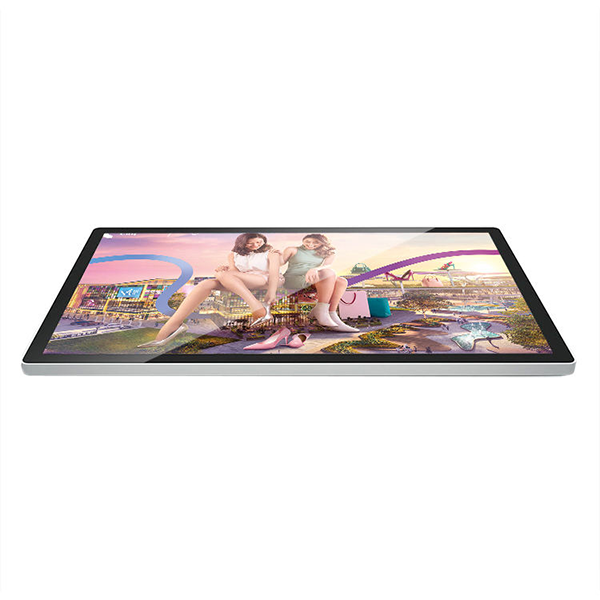


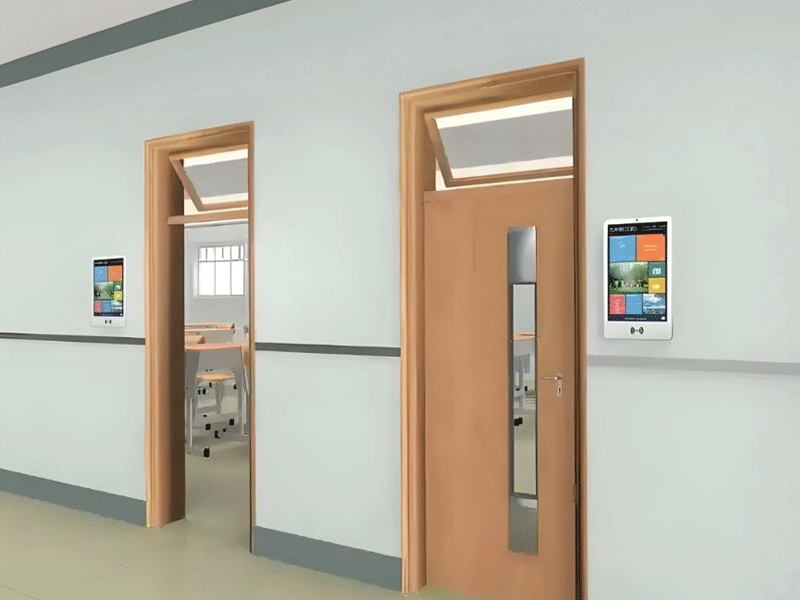
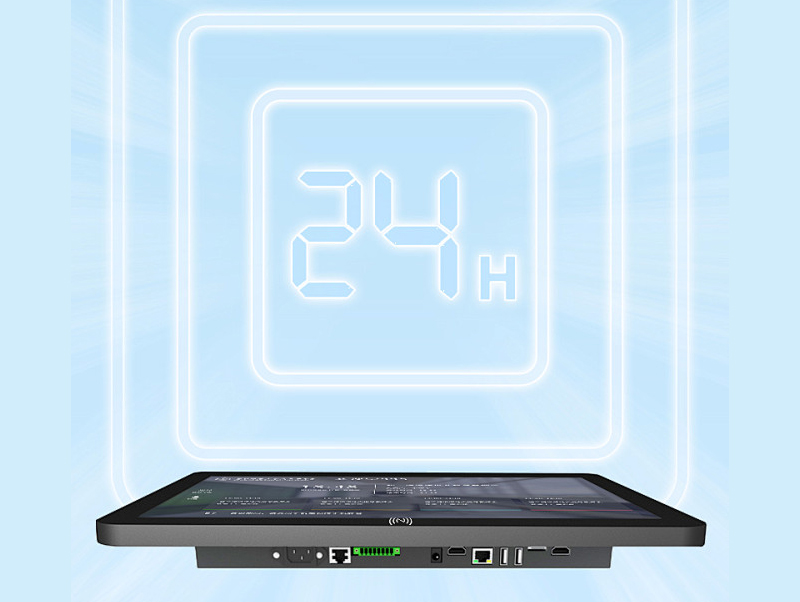

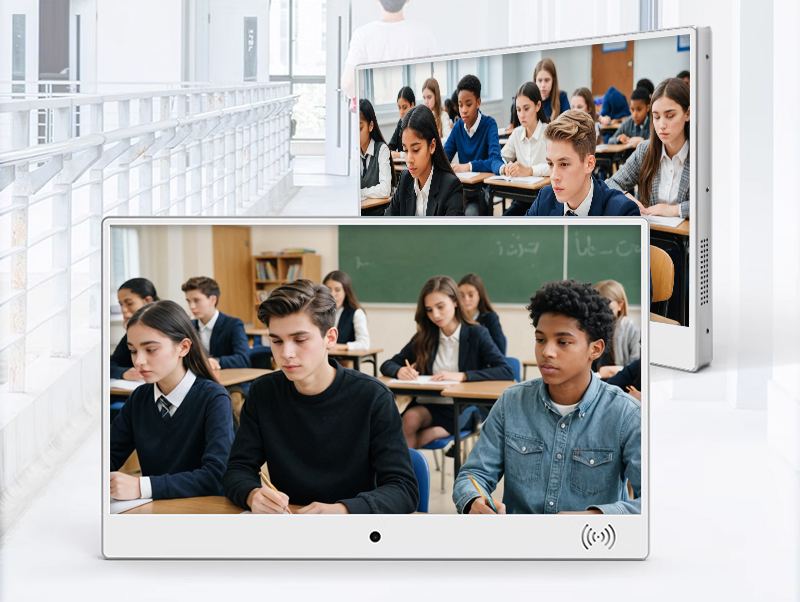
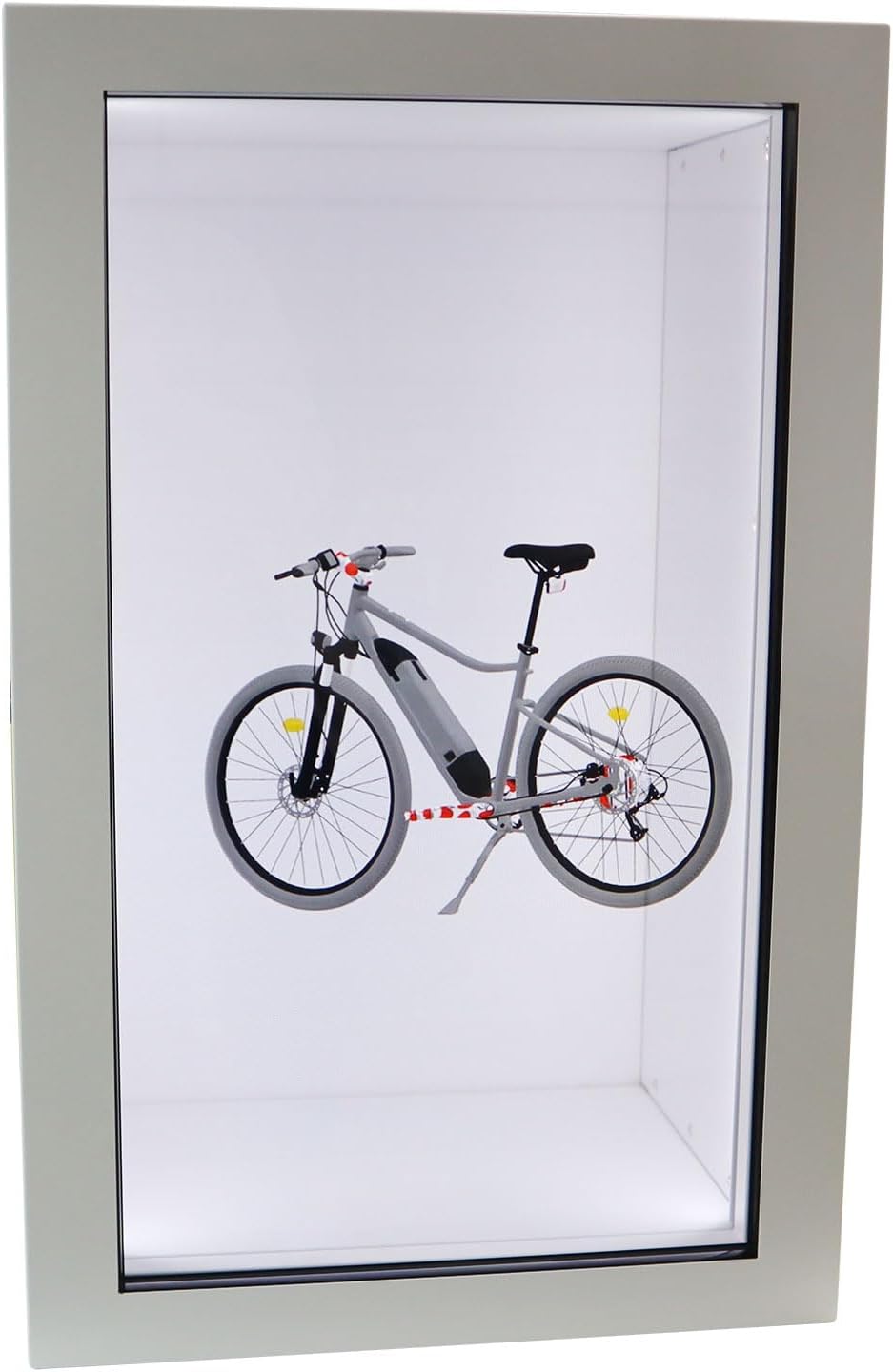


Digital nameplate app control wireless electronic display table class sign e-lnk name card screen
electronic class sign-9
$350
Feature: monitors compatible with macbook pro;aoc portable monitor;transparent monitor;ultra wide screen monitor
Size: 10.1'';13.3'';15.6'';19'';21.5'';27'';32'';50'';55'';18.5'';24'';43'';49'';20cmx20cm;25cmx25cm
Operation System: Android;Windows
Screen: Touchscreen;Non-touch screen
Installation: Vertical;Horizontal;Wall-mounted;Portable
Type: Advertising Machine;Digital Signage Display;Teaching All-in-one Machine
Product Details
Product Details
The Diverse User Demographics of Electronic Classboards: A Comprehensive Overview
Introduction: Beyond Classroom Boundaries
Electronic classboards have evolved from mere information displays to dynamic communication hubs, catering to a multifaceted user ecosystem. Their adaptability stems from modular design and customizable features, making them indispensable for K-12 institutions, higher education, special needs education, and even corporate training environments. Below is an in-depth analysis of their primary user groups and tailored functionalities.
1. K-12 Students: Navigating Academic Schedules with Clarity
Age-Specific Needs
Elementary Schoolers (6-12 years old):
Require visual-centric interfaces (colorful icons, animated timetables) to understand schedules.
Electronic classboards with 1920×1080 resolution display age-appropriate content like reading lists or art project deadlines in large, legible fonts.
Middle & High School Students (13-18 years old):
Need real-time updates on exams, club meetings, and college application deadlines.
Touchscreen functionality allows self-service access to resources (e.g., scanning a QR code for homework files).
Impact Case Study
A study in Toronto Public Schools showed that 78% of middle school students reported reduced anxiety about missed deadlines after electronic classboards were installed, with 65% using the touchscreen to check assignment details during breaks.
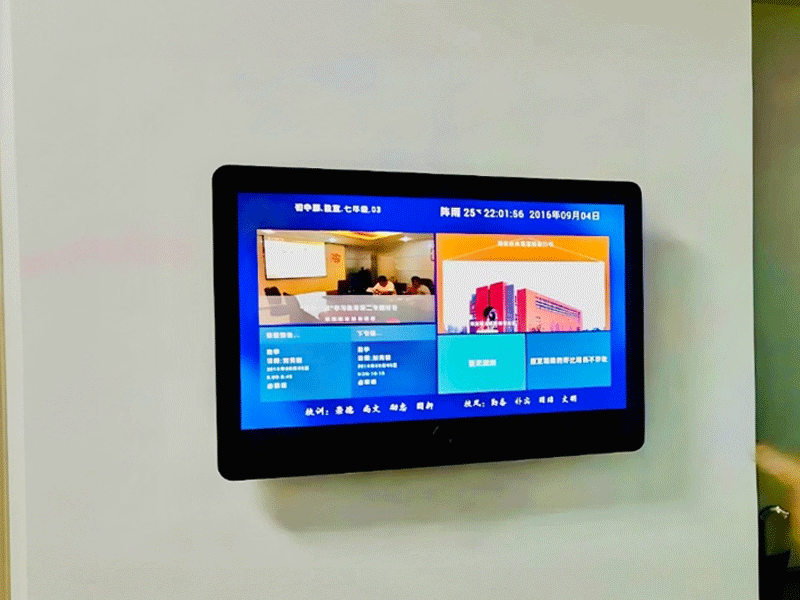
2. Educators: From Lesson Planning to Classroom Management
Multi-Role Functionality
Teachers & Professors:
Remote content scheduling (e.g., pre-loading next week’s science experiment instructions).
Integration with Learning Management Systems (LMS) like Canvas or Blackboard to display upcoming assignments.
Administrative Teachers:
Coordinating school-wide events (sports days, parent-teacher conferences) via centralized content management.
Using built-in analytics to track how often students interact with classboard information.
Technical Tools for Educators
User-Friendly CMS (Content Management System):
Drag-and-drop interfaces allow teachers with minimal tech skills to upload PDFs, videos, or slideshows.
Multi-device Syncing:
Update classboard content from a laptop, tablet, or smartphone, ideal for educators on the go.
3. School Administrators: Orchestrating Institutional Communication
Campus-Wide Coordination
Front Office Staff:
Sending emergency alerts (lockdown procedures, weather warnings) to all classboards simultaneously.
Displaying visitor registration instructions and campus maps for prospective families.
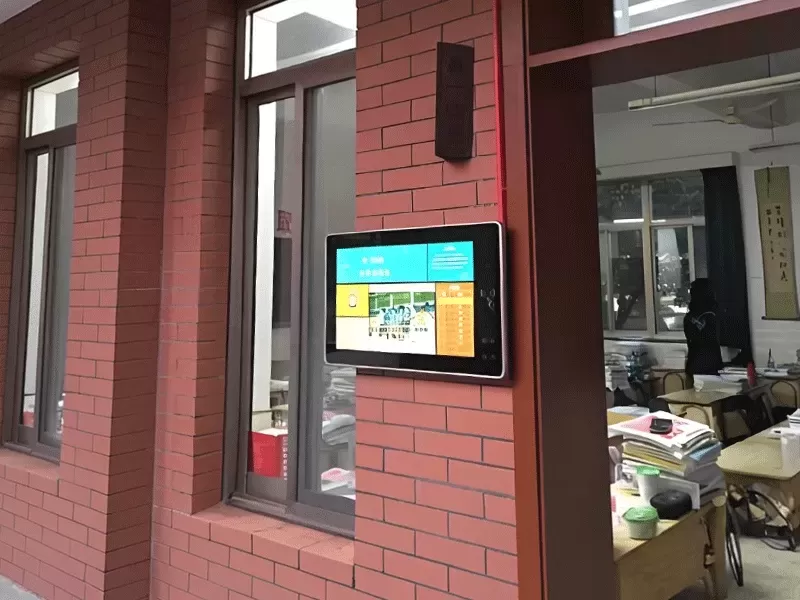
IT & Facilities Managers:
Monitoring of classboard health (battery status, software updates) across 50+ devices.
Configuring content hierarchies (e.g., principal’s announcements override classroom-level updates).
System Integration Examples
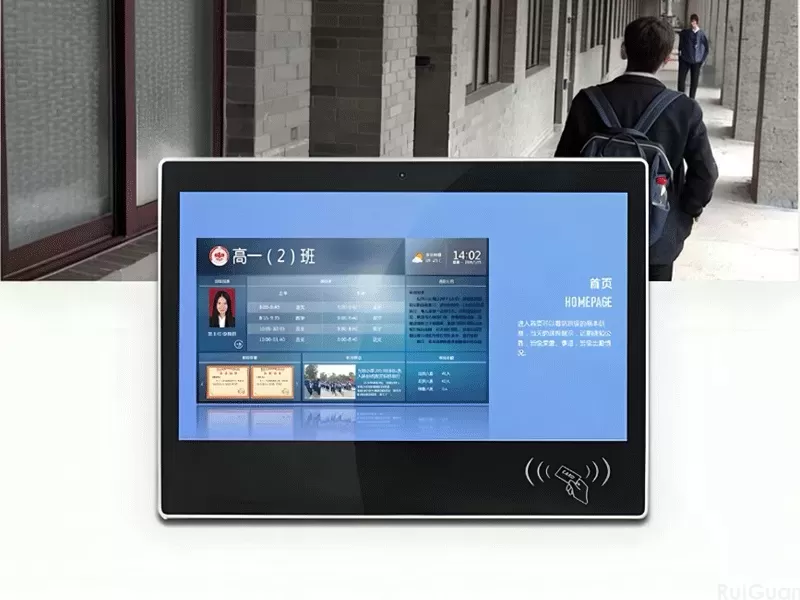
Integration with student ID card systems: Swiping an ID card reveals personalized schedules for boarding school students.
Connection to security cameras for real-time safety updates during campus events.
4. Parents & Guardians: Bridging Home-School Communication
Engagement Beyond the Classroom
Drop-off/Pick-up Communication:
Displaying daily reminders (e.g., "Bring gym clothes tomorrow") or lunch menus for primary school parents.
Academic Transparency:
Secure portals (accessed via QR codes) showing student attendance records or upcoming parent-teacher meeting slots.
Cultural Adaptations
Bilingual display options (e.g., English-Spanish in diverse communities) to ensure non-English speaking parents stay informed.
Accessibility features like text-to-speech for visually impaired parents.
5. Higher Education Users: Catering to Specialized Academic Needs
University & College Applications
Undergraduate Students:
Displaying lecture hall changes, research seminar sign-ups, and library resource updates.
Interactive maps showing exam room locations during finals week.
Graduate Students & Researchers:
Posting lab availability schedules, equipment reservation systems, or conference submission deadlines.
Professors in STEM Fields:
Using classboards as digital whiteboards integrated with data visualization tools (e.g., displaying real-time experiment results).
6. Special Education Users: Inclusive Design in Education
Accessibility Features
Accessibility Features
Visual Impairment Support:
High-contrast mode (1000:1 ratio) and screen readers that audibly describe displayed content.
Tactile overlays for touchscreens, allowing blind students to navigate menus via raised markers.
Neurodivergent Students:
Calming color schemes and simplified layouts to reduce sensory overload.
Scheduled visual timers for students with ADHD, showing remaining class time in a non-intrusive way.
Case Study: Special Education School in Melbourne
After implementing electronic classboards with adaptive features:
83% of teachers reported improved student engagement during schedule transitions.
Non-verbal students used touchscreen communication boards to express needs, reducing behavioral incidents by 45%.
7. Visitors & Community Members: Campus as a Public Hub
Outreach and Accessibility
Prospective Students & Parents:
Interactive campus tours accessible via classboards in the admissions office.
Displaying school rankings, alumni success stories, and upcoming open house dates.
Community Event Attendees:
Showing directions to auditoriums, parking maps, or event schedules during public lectures or sports matches.
8. Corporate Training & Vocational Education
Professional Development Applications
Corporate Training Rooms:
Displaying workshop agendas, QR codes for digital handouts, or real-time polling results.
Vocational Schools:
Showing machine operation safety protocols in technical labs or job placement updates for career-focused students.
Conclusion: A User-Centric Educational Ecosystem
Electronic classboards thrive on their ability to act as a universal communication tool, adapting to the nuanced needs of every stakeholder—from 6-year-olds navigating their first school schedule to university researchers coordinating complex projects. Their true value lies not in static information display but in fostering a collaborative environment where students, educators, and parents can engage with academic content in a way that is personalized, accessible, and efficient. As education continues to embrace digital transformation, the role of classboards in unifying diverse user groups will only grow, solidifying their status as indispensable educational technology.