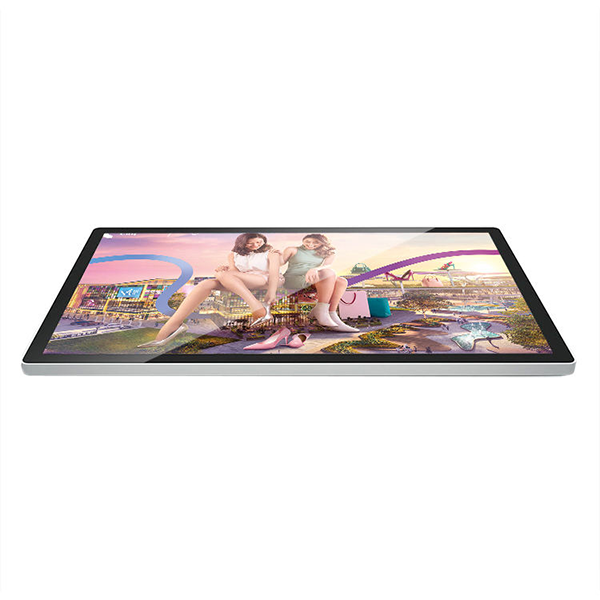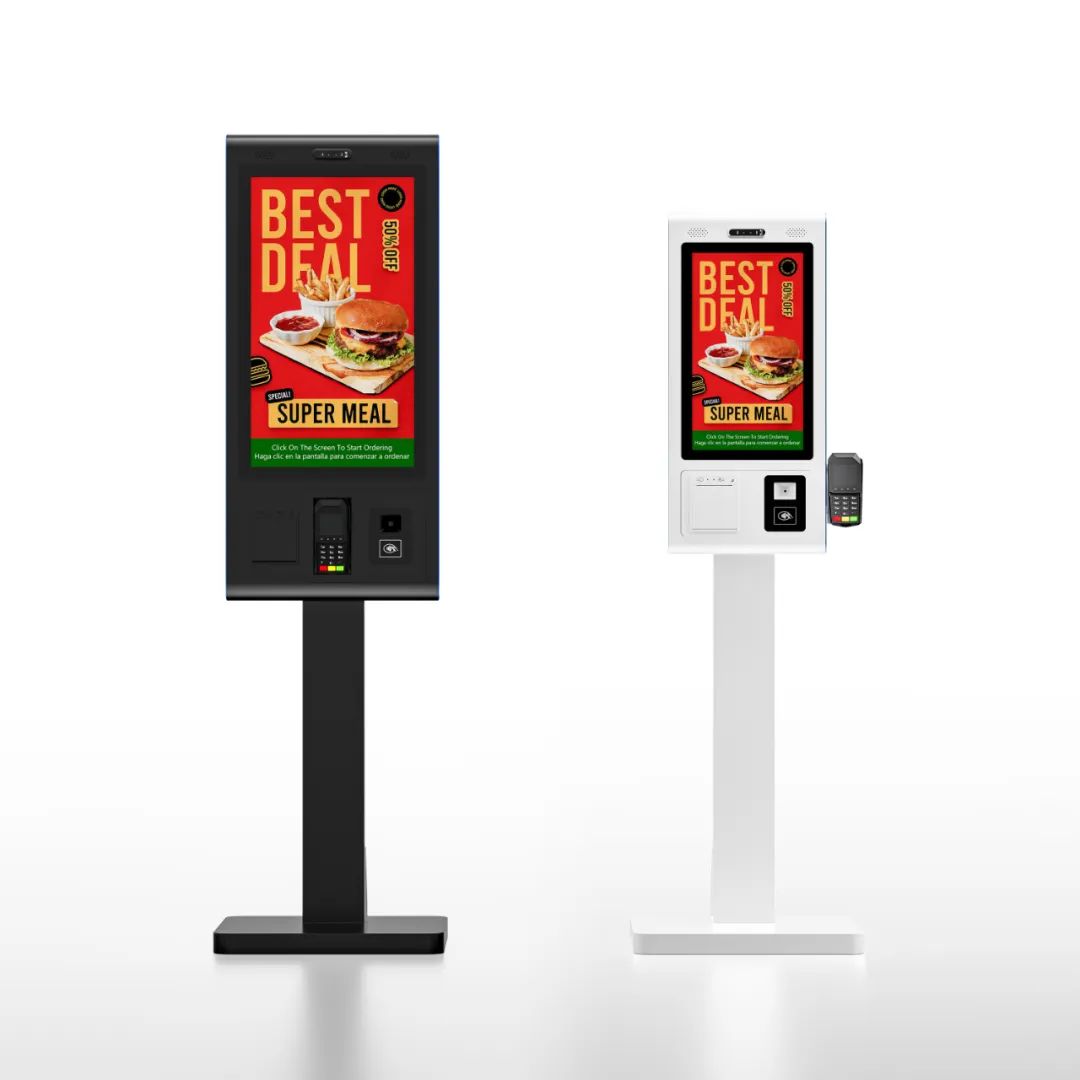


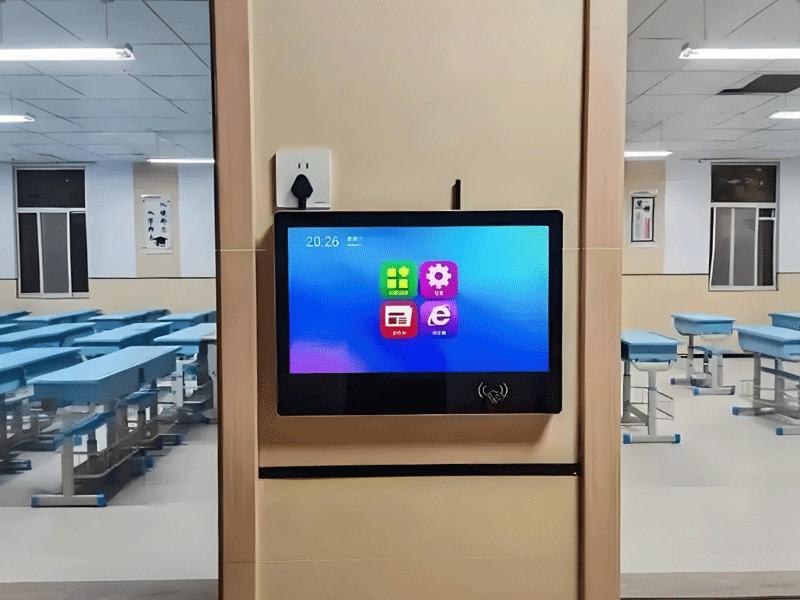
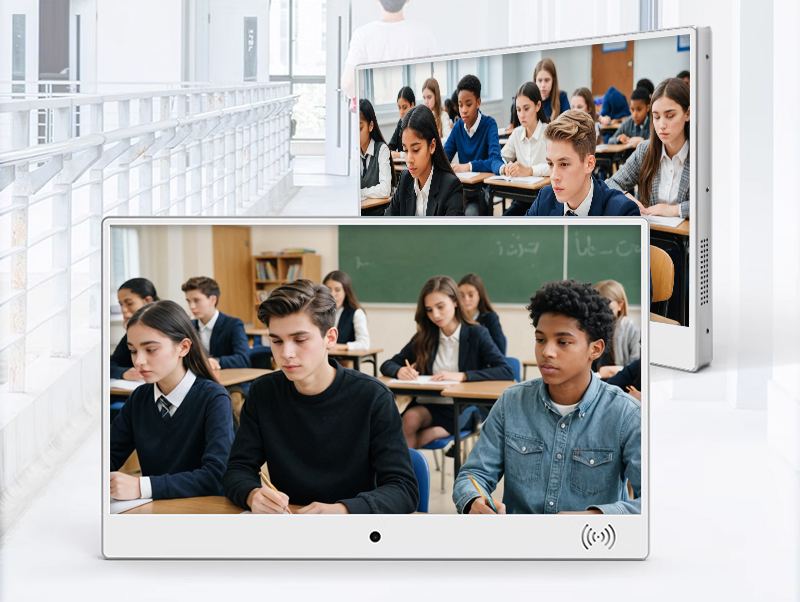
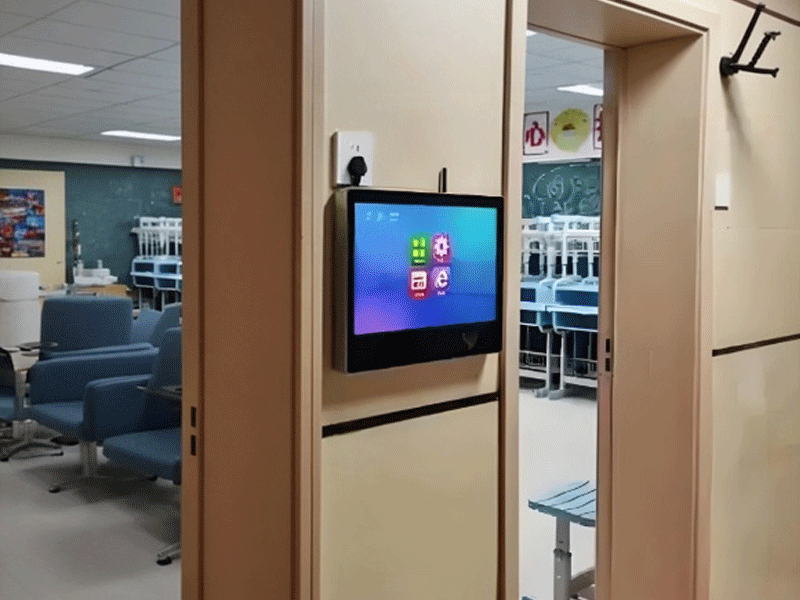
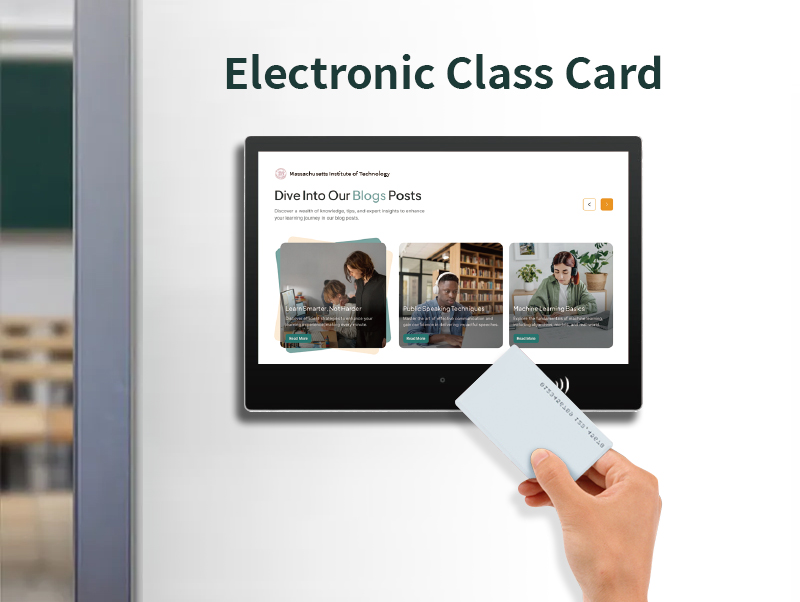

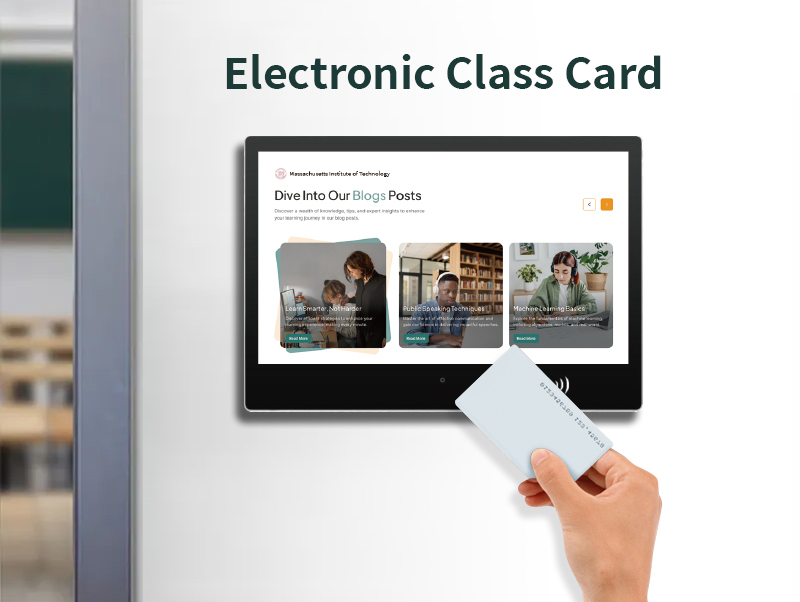
IP65 customized facial recognition all-in-one electronic class card school door number screen machine
electronic class sign-10
$350
Feature: 1440 monitor;omen gaming monitor;acer monitor 144hz;msi 27 inch curved monitor
Size: 10.1'';13.3'';15.6'';19'';21.5'';27'';32'';50'';18.5'';24'';43'';49'';20cmx20cm;25cmx25cm
Operation System: Android;Windows
Screen: Touchscreen;Non-touch screen
Installation: Vertical;Horizontal;Wall-mounted;Portable
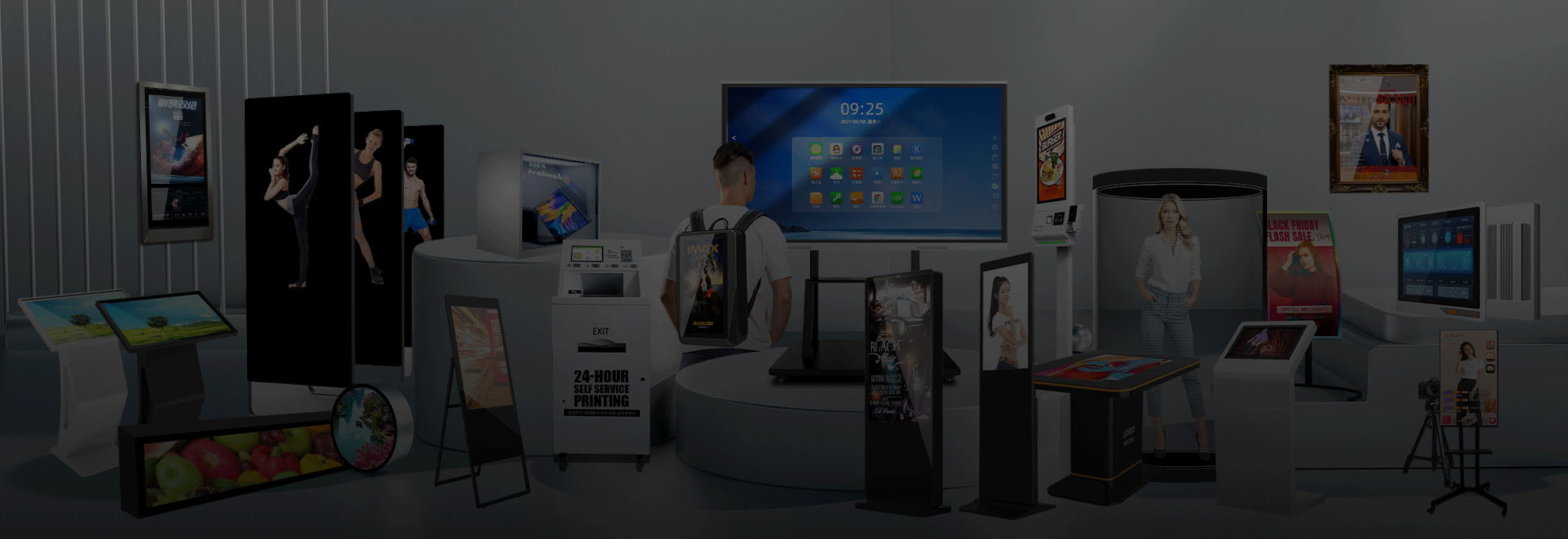
Type: Advertising Machine;Digital Signage Display;Teaching All-in-one Machine
Product Details
Product Details
Color Characteristics of Electronic Classboards: Enhancing Visual Communication in Educational Spaces
1. Technical Foundations: Color Reproduction Capabilities
Advanced Display Technologies
Wide Color Gamut Coverage
Most electronic classboards support 99% sRGB or 72% NTSC color spaces, enabling vivid reproduction of educational materials. For instance, a biology classboard can display the vibrant reds of blood cells or the subtle greens of plant chloroplasts with scientific accuracy.
High Color Depth
8-bit or 10-bit panels (16.7 million to 1.07 billion colors) ensure smooth gradations in graphs and charts. A chemistry teacher using a classboard to display pH value gradients (from red to blue) benefits from seamless color transitions that clarify concentration differences.
Adaptive Brightness & Contrast
Displays with 300-500 nits brightness and 1000:1 contrast ratios maintain visibility in various lighting conditions. In a sunlit classroom, the auto-brightness feature adjusts to prevent washed-out colors, while nighttime modes reduce blue light emission for eye comfort.
Technical Specs Comparison:
Feature Standard Classboard High-End Model
Color Gamut 99% sRGB DCI-P3 (90%)
Color Depth 8-bit (16.7M colors) 10-bit (1.07B colors)
Brightness 300 nits 500 nits
Contrast Ratio 1000:1 3000:1 (VA panel)
2. Educational Applications: Color as a Teaching Aid
Cognitive Organization through Color Coding
Subject-Specific Color Systems
Primary school classboards use color-coding for daily schedules: math lessons appear in blue, art in yellow, and science in green. A study at Cambridge Elementary showed that color-coded timetables improved student schedule recall by 28%.
Interactive Color Learning Tools
In art classes, touchscreen capabilities allow students to mix virtual pigments on the board, with the display accurately reflecting RGB/CMYK color models. Middle schoolers can experiment with color theory (e.g., complementary colors) in real-time.
STEM Education Examples
Physics: Classboards display heat maps of thermal experiments, with red/yellow indicating high temperatures and blue/purple showing cool areas.
Geography: Topographic maps use color gradients (green for lowlands, brown for mountains, blue for water) to help students visualize elevation changes.
3. Campus Communication: Color for Information Hierarchy
Visual Signaling in Public Spaces
Emergency Notifications
Classboards in hallways use flashing red backgrounds with white text for fire drills or lockdown alerts, leveraging the human eye’s reaction to red as a danger signal.
Event Promotion
School theaters use vibrant color combinations (e.g., purple and gold for a drama production) on classboards to attract attention, with bold hues increasing event attendance by 15-20%.
Color Psychology in Design
Color Emotional Impact Typical Use Case
Blue Calming, trustworthy Academic achievement announcements
Orange Energetic, creative Extracurricular club invitations
Green Positive, growth Environmental initiative updates
Red Urgent, attention-grabbing Emergency alerts
4. Special Education: Inclusive Color Solutions
Adaptive Color Modes for Diverse Needs
High-Contrast Mode
Classboards for visually impaired students switch to black backgrounds with yellow text (contrast ratio >4.5:1), meeting WCAG AA standards. Tactile overlays with color labels help students associate textures with colors.
Color Vision Deficiency (CVD) Support
Built-in filters adjust red-green or blue-yellow contrasts. A biology classboard displaying genetic diagrams can switch to CVD-friendly palettes, ensuring students with red-green blindness distinguish between dominant/recessive traits.
Case Study: Autism Support Classroom
A classboard in a special education classroom uses soft pastels (light blue, lavender) for daily schedules to reduce sensory overload, while task completion indicators use warm oranges and pinks to reinforce positive feedback. Teachers reported a 35% increase in student engagement with color-coded visual aids.

5. Corporate & Vocational Training: Professional Color Standards
Industry-Specific Color Accuracy
Medical Education
Nursing programs use classboards with DCI-P3 gamuts to display anatomical images, ensuring realistic representations of tissue colors (e.g., healthy pink vs. inflamed red).
Graphic Design Courses
Vocational schools rely on color-accurate displays for Photoshop tutorials, with delta E <2 ensuring what students see on the board matches print outputs.
Manufacturing Application
In automotive training labs, classboards display vehicle paint codes (e.g., Pantone 2945C blue) with precise color matching, allowing students to practice paint mixing while comparing against the digital reference.
6. Color Management & Environmental Adaptation
Systematic Color Calibration
Automatic Color Temperature Adjustment
Classboards equipped with ambient light sensors shift from cool white (6500K) in daylight to warm white (4000K) at night, reducing eye strain during evening study sessions.

Multi-Device Color Consistency
School IT departments can calibrate all classboards to a uniform color profile via remote management systems, ensuring that a chemistry presentation looks identical whether displayed in Room 101 or 205.
Energy-Efficient Color Modes
ECO Mode dims non-essential colors during idle periods, reducing power consumption by 15%.
Monochrome Mode for text-heavy content (e.g., exam reviews) enhances readability while conserving energy.
7. Hybrid Learning: Color in Digital-Analog Integration
Cross-Platform Color Consistency
Remote Teaching
When streaming lessons, classboards maintain color accuracy between the physical display and virtual meeting platforms. A art teacher demonstrating watercolor techniques can ensure that the blue pigment’s hue appears identical to in-person and remote students.
Digital Handwriting Enhancement
Touchscreen annotation tools offer color palettes mimicking traditional markers (e.g., neon pink, forest green), with the board’s color rendering making digital notes as vibrant as handwritten ones.
Conclusion: Color as a Catalyst for Educational Engagement
The color capabilities of electronic classboards transcend mere visual appeal, serving as cognitive tools, communication enhancers, and accessibility aids. By combining technical precision (wide gamuts, high contrast) with thoughtful educational design (color coding, adaptive modes), these displays transform how information is perceived, processed, and retained. As education increasingly relies on visual learning and inclusive technology, the strategic use of color in classboards will remain integral to creating dynamic, equitable, and effective learning environments.