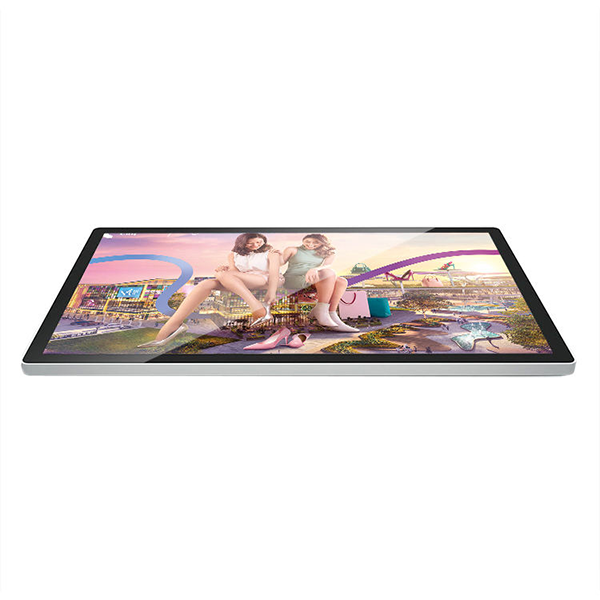


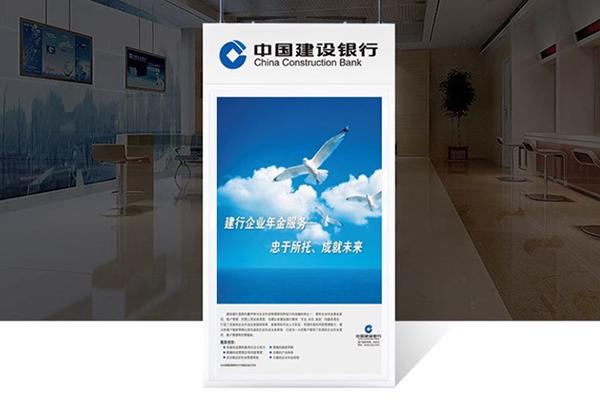
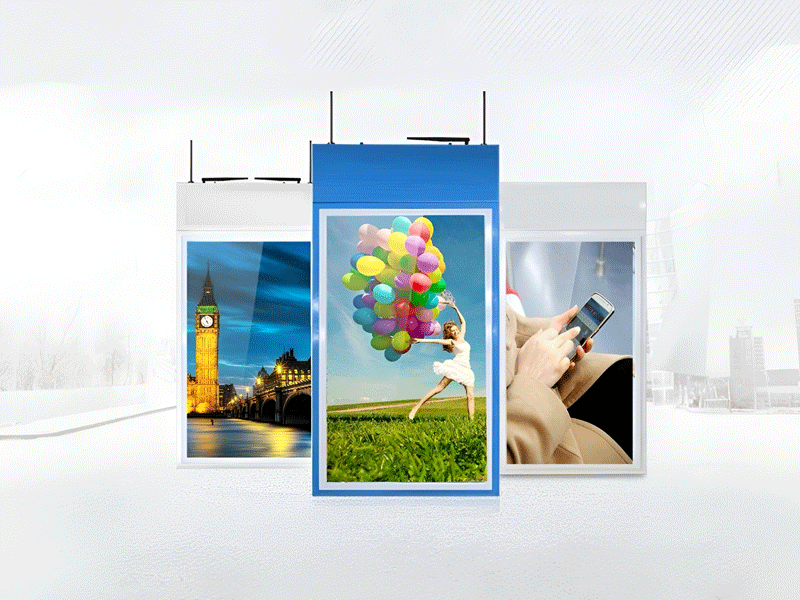
21.5 Inch wall mounted restaurant tv capacitive digital advertising lcd display hanging screen
hanging screen-2
$200
Type: Advertising Machine;Digital Signage Display
Installation: Hanging
Screen: Touchscreen;Non-touch screen
Operation System: Android;Windows
Size: 10.1'';13.3'';15.6'';19'';21.5'';27'';32'';50'';55'';100'';18.5'';24'';43'';49'';20cmx20cm;25cmx25cm
Feature: tft lcd monitor;monitor 22 inch;xdr display;small monitor for pc
Product Details
Product Details
Comparison of hanging advertising machine operating systems: Comprehensive analysis of Windows 4+128G and Android 1+8G
Introduction
In the era of digital advertising, hanging advertising machines have become an indispensable communication medium in public places such as shopping malls, airports, and subways. As the "brain" of the advertising machine, the choice of operating system is directly related to the performance, function expansion and user experience of the device. At present, the mainstream configurations on the market are Windows system (4GB memory + 128GB storage) and Android system (1GB memory + 8GB storage). This article will deeply analyze the characteristics and advantages of these two configurations to provide professional reference for the purchase of advertising machines.
Comprehensive advantages of Windows system (4+128G)
Windows system represents a high-performance professional solution in the field of hanging advertising machines. The configuration combination of 4GB memory and 128GB storage provides a strong hardware foundation.
Excellent multitasking capability is the core advantage of Windows advertising machines. The 4GB memory capacity enables the device to smoothly run multiple high-resolution video playback, dynamic web page rendering and background data analysis programs at the same time without freezing or crashing. This stability is particularly important for enterprise-level users who need to manage dozens of playback terminals at the same time.
In terms of storage capacity and scalability, 128GB of storage space can accommodate a large number of 4K ultra-clear advertising materials, and even in the face of months-long carousel content, there is no need to frequently change it. At the same time, the Windows system supports a variety of expansion solutions such as external hard drives and NAS network storage, providing flexible options for content management.
In terms of security and enterprise integration, the Windows system supports enterprise functions such as BitLocker encryption, group policy management, and Active Directory domain joining to meet the strict requirements of large organizations for device management. The system also provides a long-term support version (LTSC) to ensure that advertising machines can obtain security updates for up to ten years, which is essential for public place equipment that requires long-term stable operation.
High-performance hardware compatibility enables Windows advertising machines to drive 4K or even 8K resolution displays and support HDR high dynamic range content playback. The system's perfect support for various video codecs ensures smooth playback of 4K video content in highly efficient compression formats such as HEVC/H.265.
The distinctive features of the Android system (1+8G)
The Android system occupies an important position in the entry-level hanging advertising machine market with its lightweight characteristics. Although the configuration of 1GB memory and 8GB storage seems simple, it has unique application advantages.

The ultimate cost-effectiveness is the most prominent feature of the Android advertising machine. The reduction in hardware requirements makes the price of the whole machine 30%-50% lower than that of the Windows solution, which is very attractive for small businesses with limited budgets or basic information display scenarios that require large-scale deployment. The low-power design also saves electricity costs, and the long-term economic benefits are obvious.
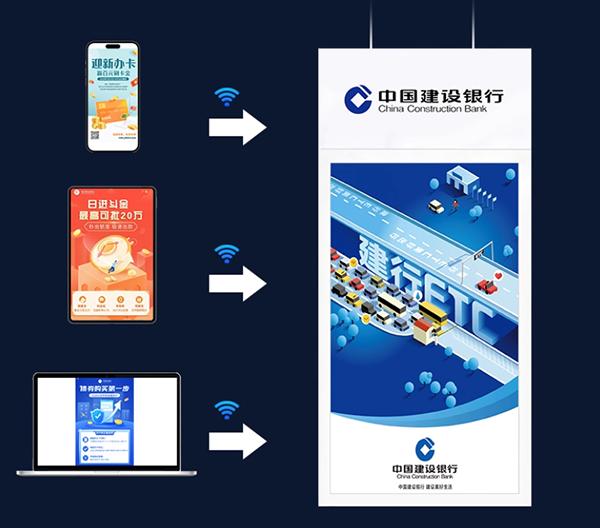
The simplified operating experience makes the Android advertising machine almost unnecessary for professional IT personnel to manage. Most Android advertising machines adopt a "plug and play" design. Merchants only need to update the advertising content through USB or Wi-Fi, and can even remotely control it directly from the mobile phone APP. This ease of use is particularly suitable for small commercial places such as fast food restaurants and convenience stores that do not have full-time technicians.
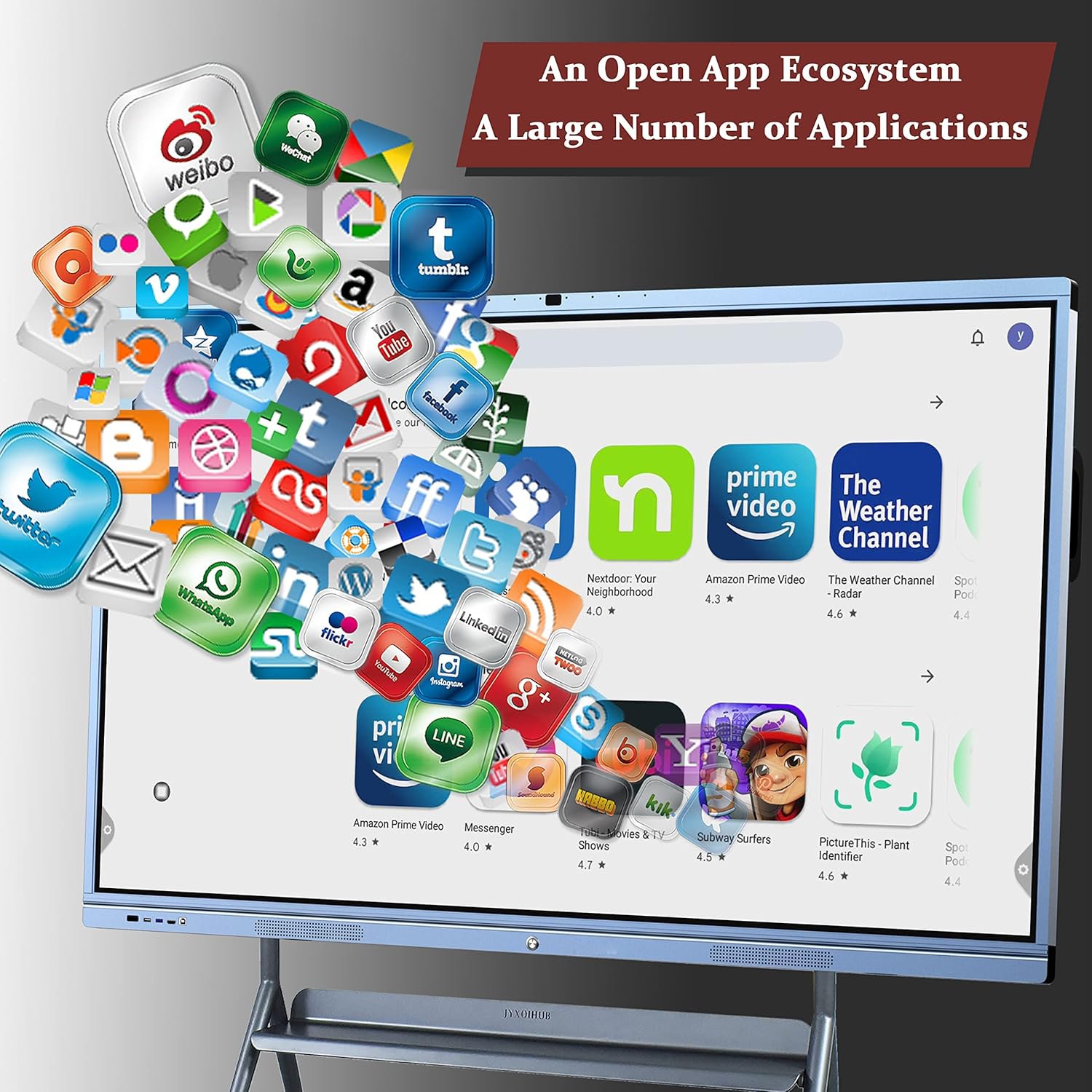
In terms of networking and cloud integration, the Android system shows inherent advantages. The system deeply integrates the Google service framework (or alternative services of domestic manufacturers) and supports seamless access to various cloud storage and online content platforms. Browser-based HTML5 advertising content can be played directly without downloading the entire video file, which greatly saves local storage space requirements.
Fast startup and stable operation are another highlight of the Android system. It usually takes only 15-30 seconds for the system to go from cold start to working state, which is much faster than the startup time of the Windows system. The streamlined system architecture also means fewer background processes. 1GB of memory can ensure the stable operation of basic advertising playback functions, and it is not easy to crash due to insufficient memory.Customized flexibility allows Android advertising machines to be deeply optimized for specific scenarios. Manufacturers can remove unnecessary system components, create a streamlined ROM designed specifically for digital signage, and even implement kiosk mode to lock the device to only run advertising playback applications to prevent misoperation from interfering with normal playback.
System comparison and scenario selection suggestions
In terms of performance comparison, the Windows system has an absolute advantage in raw performance. 4GB of memory can support more complex multimedia content processing and background data analysis, while 128GB of storage provides ample space for local content. In contrast, although the Android system has a lower hardware configuration, it can still smoothly play 1080p videos and dynamic advertising content through system optimization to meet basic needs.
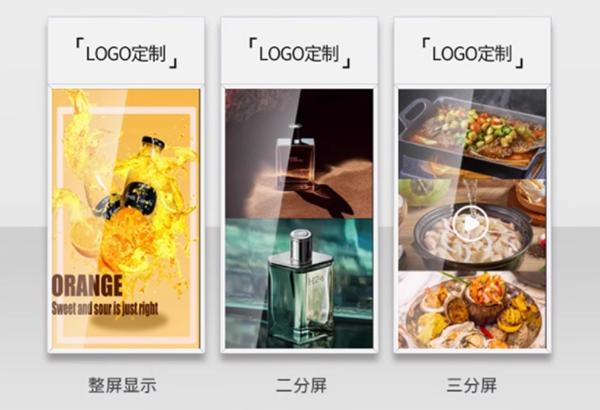
In terms of content management complexity, the Windows system is suitable for advanced application scenarios that require fine scheduling, multi-region content management, and real-time data interaction. The Android system is more suitable for simple information display with relatively fixed content and low update frequency. For example, the new product promotion video of a chain clothing store is suitable for the Windows solution, while the restaurant's daily special menu can be economically implemented with Android devices.
In terms of network dependence, the Android system is more adaptable to highly networked deployment environments and can make full use of cloud resources to make up for the lack of local storage; the Windows system, due to its powerful local processing capabilities, is more suitable for offline application scenarios with unstable network conditions or high data security requirements, such as advertising display in military bases or remote areas.

In terms of long-term operating costs, although the initial investment in Windows devices is higher, its longer technical life cycle and lower replacement frequency may make the total cost of ownership (TCO) lower. Android devices are more economical in short-term projects or scenarios with fast technology updates due to their price advantage.
Recommended based on application scenarios: large shopping malls, airports and other high-end commercial places should choose Windows system advertising machines to ensure the best visual effects and management functions; community convenience stores, bus stations, etc. can consider Android solutions to balance costs and effects. For educational institutions, if interactive teaching functions are required, Windows systems are more suitable; if only for announcements and notifications, Android devices are sufficient.
Future development trends and technology prospects
The evolution of hardware configuration is changing traditional cognition. The new generation of Android advertising machines has begun to adopt 2+16G or even 4+32G configurations, narrowing the performance gap with Windows devices. The Windows system also has a more streamlined IoT version to adapt to resource-constrained environments. This convergent development will make system selection more based on functional requirements rather than hardware limitations.
The cloud collaboration model will become the common direction of the two systems. Whether it is Windows or Android, modern advertising machines are increasingly relying on the cloud for content distribution, data analysis and remote management. The introduction of edge computing technology will make the importance of local hardware configuration relatively reduced, and network quality and service support will become new considerations.
The integration of AI functions brings new possibilities to advertising machines. Windows systems can support advanced AI applications such as face recognition and behavior analysis with powerful local computing power; Android systems can achieve similar functions by connecting to cloud AI services. In the future, advertising machines will not only be content players, but also intelligent customer interaction terminals.
System integration solutions have emerged. Some manufacturers have begun to provide dual-system advertising machines, which intelligently switch system environments according to task requirements, taking into account performance and energy efficiency. Advances in virtualization technology may also make it possible for a single hardware to run two systems at the same time, providing users with maximum flexibility.
Conclusion
The two configurations of hanging advertising machines, Windows 4+128G and Android 1+8G, each have their irreplaceable advantages. The Windows system is suitable for high-demand commercial environments with its strong performance, professional software support and enterprise-level features; the Android system is economical, simple and easy to use, and meets basic advertising display needs. When choosing, you should not simply compare hardware parameters, but should comprehensively consider factors such as actual application scenarios, content complexity, management requirements and long-term costs. With the advancement of technology, both types of systems are constantly evolving. In the future, advertising machines will be more intelligent, networked and scenario-based, providing more powerful platform support for digital marketing.