

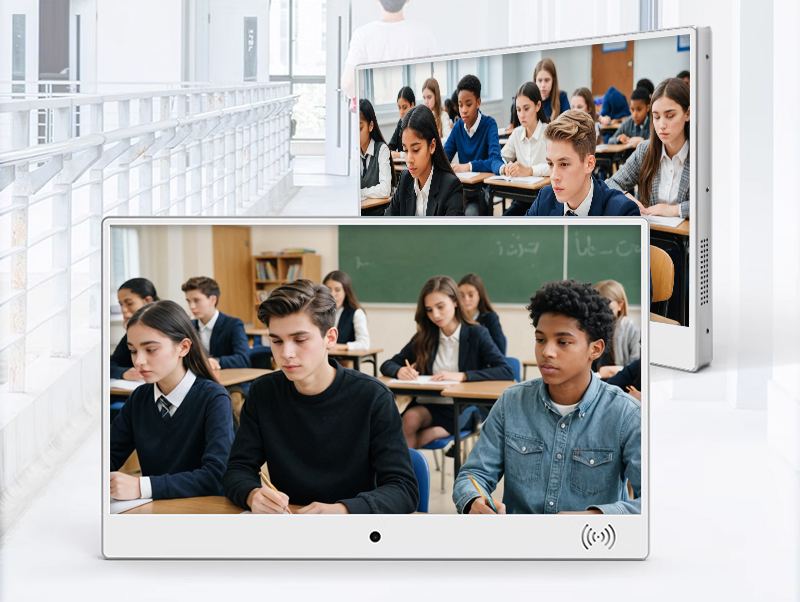

13.56mhz access control smart NFC school student Id identify class electronic card sign screen machine
electronic class sign-11
$350
Feature: tft lcd monitor;monitor 22 inch;xdr display;small monitor for pc
Size: 10.1'';13.3'';15.6'';19'';21.5'';27'';32'';50'';55'';65'';18.5'';24'';43'';49'';20cmx20cm;25cmx25cm
Operation System: Android;Windows
Screen: Touchscreen;Non-touch screen
Installation: Vertical;Horizontal;Wall-mounted;Portable
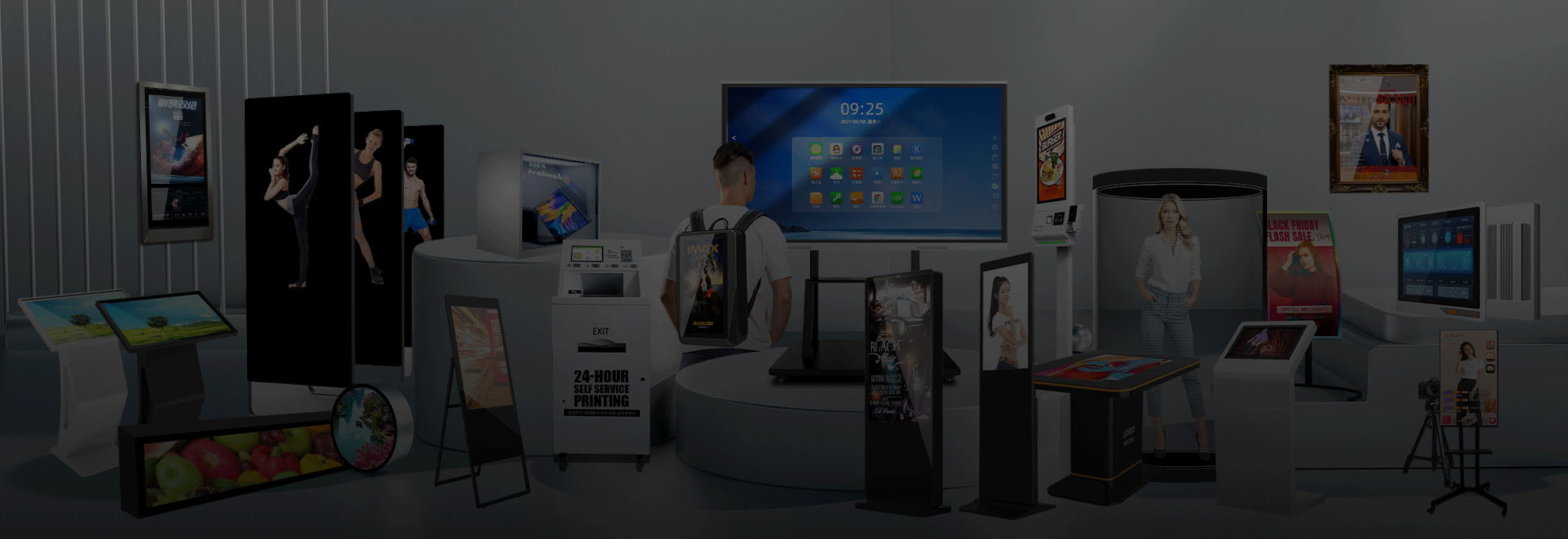
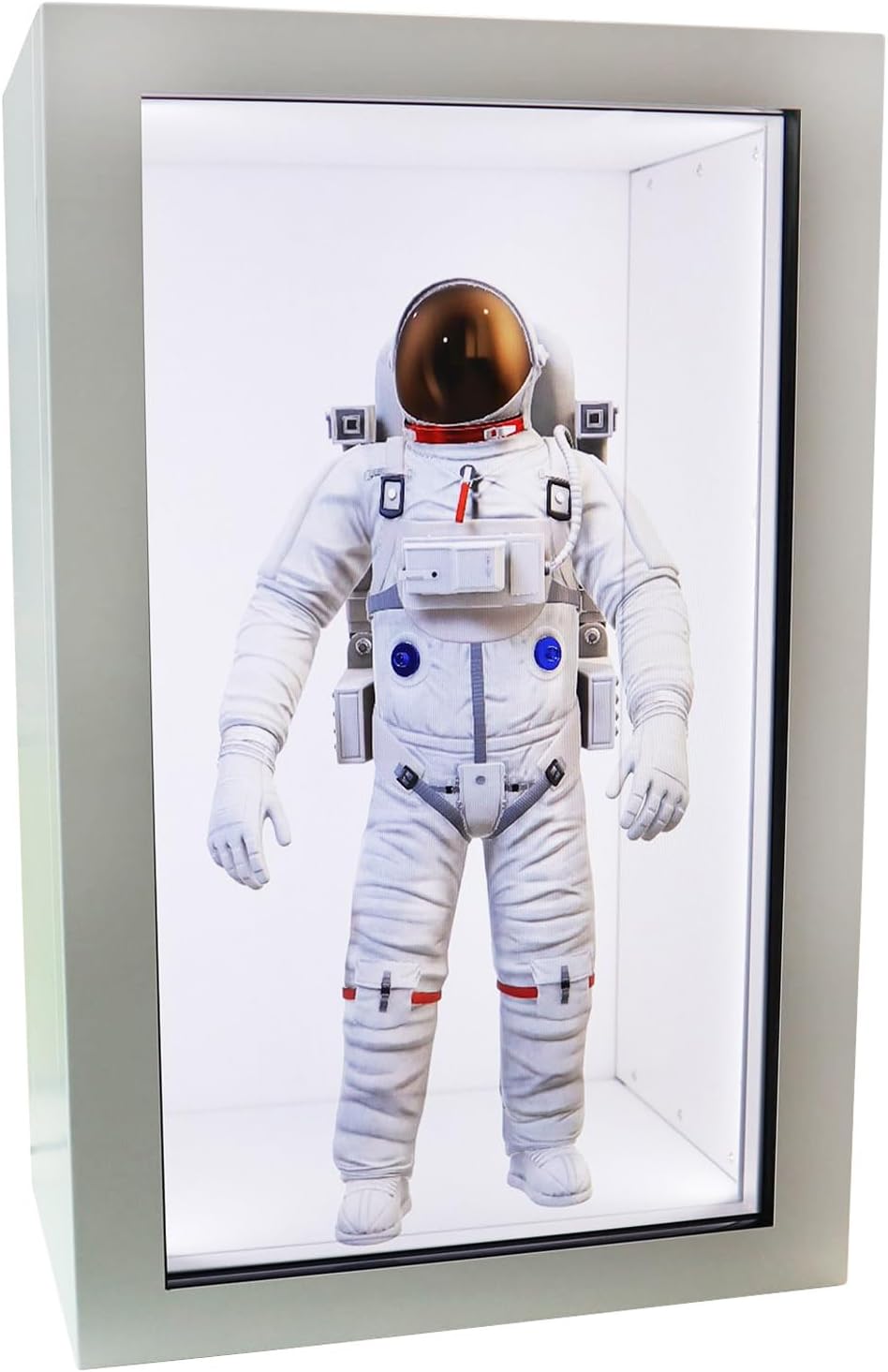
Type: Advertising Machine;Digital Signage Display;Teaching All-in-one Machine
Product Details
Product Details
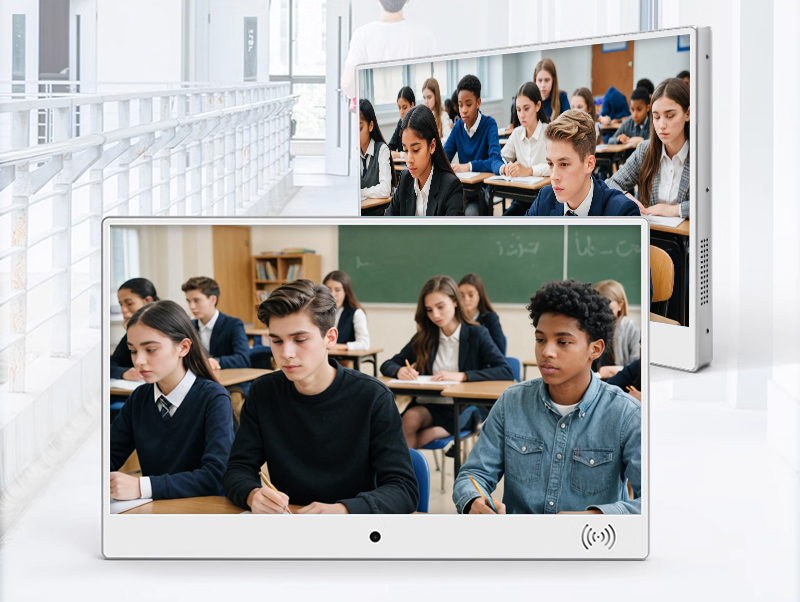
Diverse Application Scenarios of Electronic Classboards: Transforming Educational Landscapes
1. K-12 Classrooms: Dynamic Academic Hubs
Interactive Learning Ecosystems
Real-Time Schedule Management:
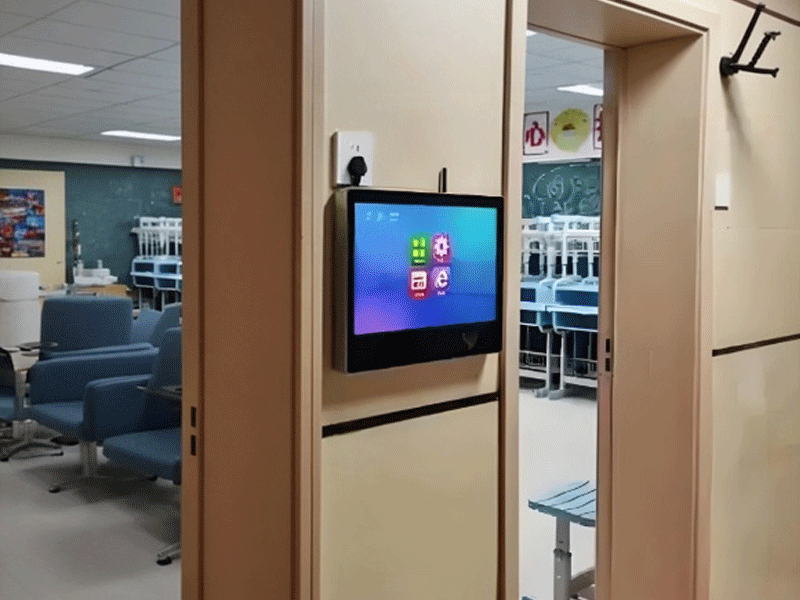
Electronic classboards display daily timetables with visual cues (e.g., math class icon turns green when starting). Primary school teachers use them to countdown to breaks with animated timers, while middle schools integrate with LMS to show upcoming assignments.
Multimedia Teaching Aids:
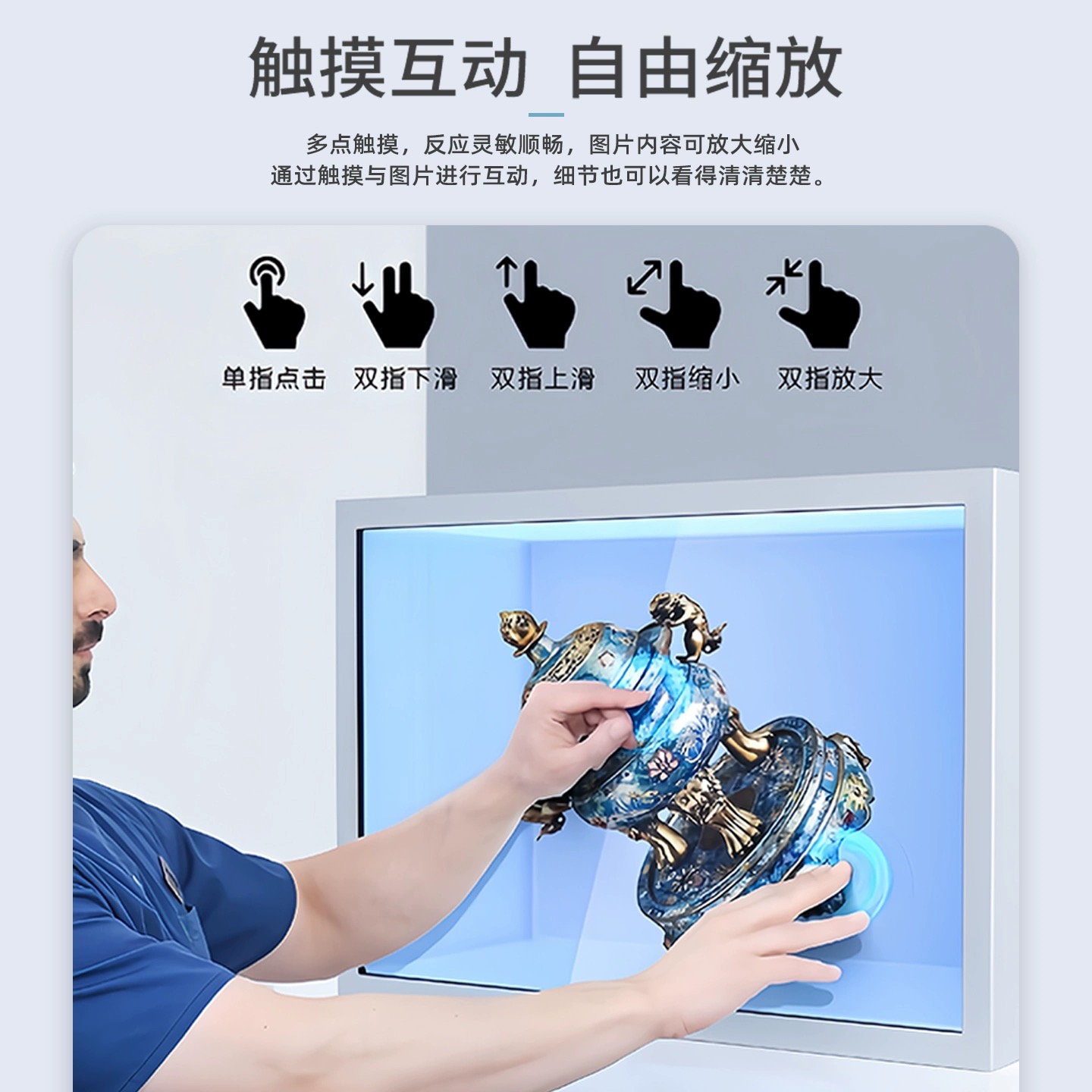
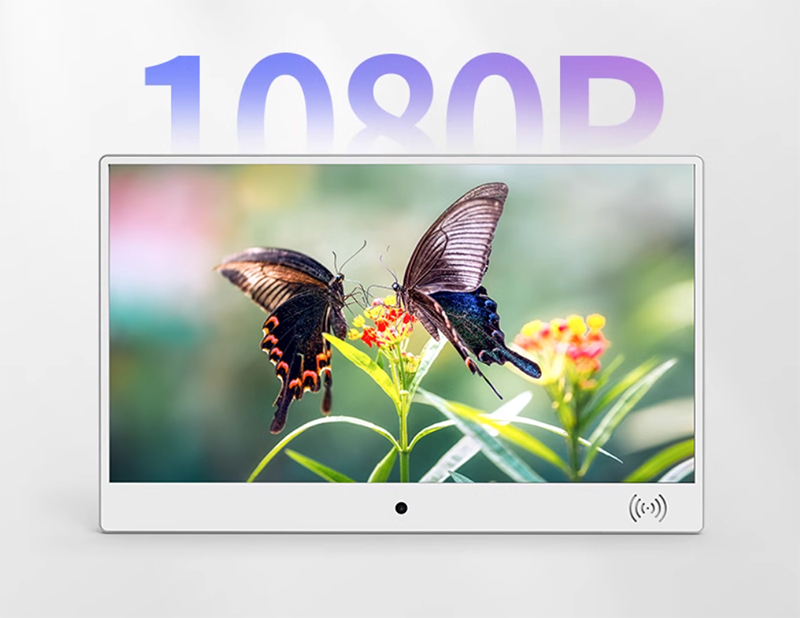
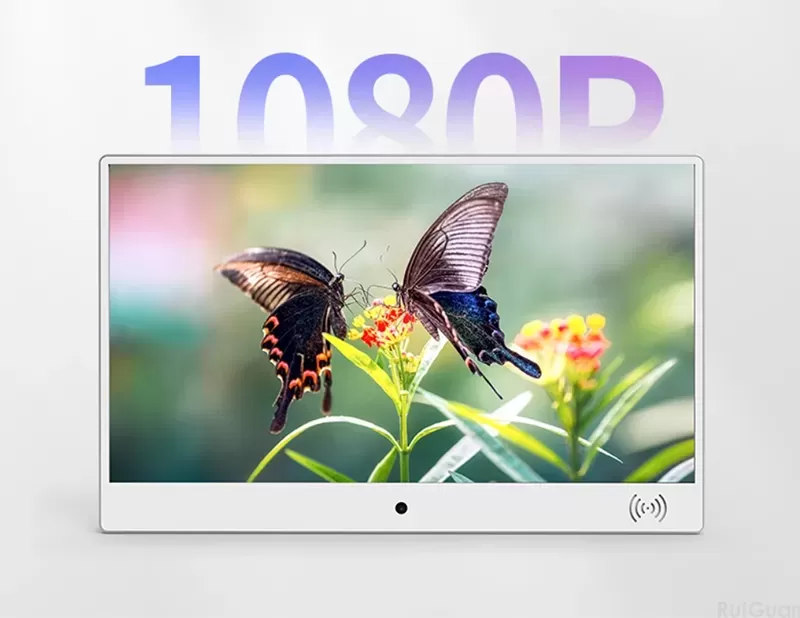
Teachers project educational videos, interactive quizzes, or 3D models (e.g., chemistry molecular structures) on 1920×1080 displays. The 10-point capacitive touch allows students to annotate diagrams directly on the screen during group activities.
Case Study: STEM Classroom in Singapore
A physics teacher uses the classboard to simulate Newton’s laws with real-time data visualization, while students adjust variables via touchscreen, improving concept retention by 35% compared to traditional whiteboards.
2. Campus Public Spaces: Navigational and Informational Hubs
Smart Campus Integration
Interactive Wayfinding:
Installed in hallways or atriums, classboards act as digital maps showing lecture hall locations, cafeterias, and emergency exits. QR codes allow students to save routes to their phones.
School-Wide Announcements:
Administrators push instant notifications during emergencies (e.g., fire drill procedures) or celebrate achievements (e.g., sports team victories). High-contrast displays (1000:1 ratio) ensure visibility in bright atriums.
Functionality Breakdown:
Scenario Display Content Technical Feature
Library Entrance New book arrivals, study room bookings QR code scanning for reservations
Gymnasium Sports schedule, team rosters Real-time score updates
School Entrance Daily news, visitor registration Touchscreen sign-in systems
3. Higher Education: Specialized Academic Environments Research and Graduate Education
Lab Management Systems:
In university science buildings, classboards show equipment availability (e.g., "Centrifuge A: Available 2:00-4:00 PM"), safety protocols, and experiment results upload portals.
Postgraduate Collaboration:
PhD students use classboards in shared offices to coordinate research meetings, display publication deadlines, or visualize data from collaborative projects.
Law School Application Example:
A mock trial classroom uses the classboard as a digital evidence board, allowing students to drag-and-drop case files, video testimonies, and legal citations during practice sessions.
4. Administrative Offices: Streamlining Institutional Operations
Backend-Frontend Integration
Staff Meeting Hubs:
Principal’s offices use classboards to display meeting agendas, attendance tracking, and live polling during faculty meetings. Touchscreen note-taking replaces traditional whiteboards.
Student Services Centers:
Financial aid offices show scholarship deadlines, application checklists, and appointment availability. Multilingual support (e.g., English-Chinese) assists international families.
IT Management Features:
Remote software updates for 100+ classboards across campus.
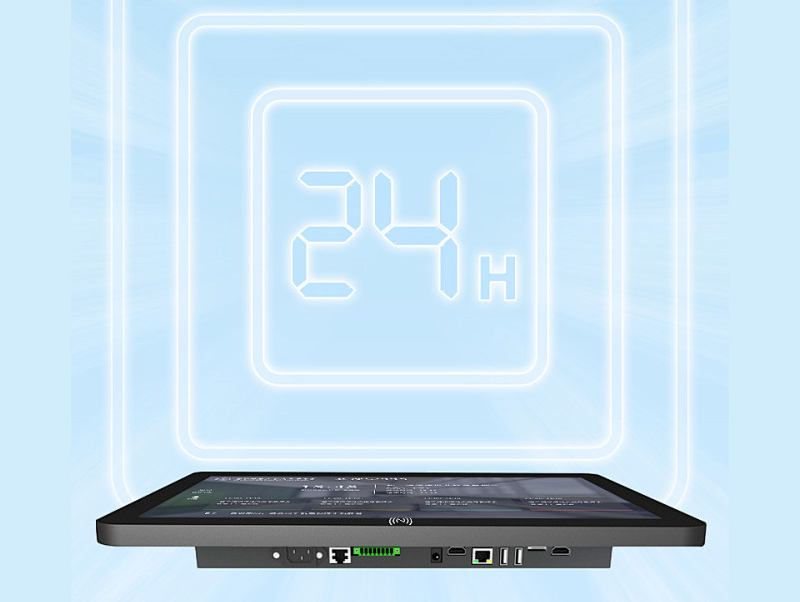
Energy-saving modes that dim displays during non-school hours, reducing electricity costs by 20%.
5. Special Education Facilities: Inclusive Design in Action
Adaptive Learning Environments
Sensory Support Classrooms:
Classboards with high-contrast modes (1000:1) and tactile overlays help visually impaired students navigate menus. Audio descriptions read out assignments, while color-coded schedules assist students with autism.
Communication Aids:
Non-verbal students use pre-programmed touchscreen interfaces to select phrases like "I need a break" or "I’m hungry," which the classboard converts to speech or sends to teachers via SMS.
Success Story: Autism Support Classroom
After implementing adaptive classboards, a Virginia school reported that 72% of students with autism independently accessed schedule information, up from 19% with traditional paper schedules.
6. Corporate Training and Vocational Education
Professional Skill Development
Industrial Training Centers:
Vocational schools use classboards in automotive labs to display engine repair diagrams, safety checklists, and step-by-step video tutorials. Touchscreens allow students to pause/rewind procedures.
Corporate Onboarding:
Tech companies install classboards in training rooms to show daily workshop agendas, QR codes for digital handouts, and real-time feedback portals during new hire orientations.
Manufacturing Training Example:
A welding certification program uses the classboard to project 3D models of welding techniques, with students practicing on touchscreens before moving to physical equipment, reducing material waste by 40%.
7. Community and After-School Programs
Outreach and Lifelong Learning
Adult Education Centers:
Community colleges use classboards to display ESL class schedules, GED prep materials, and job fair information. Touchscreens enable self-registration for evening courses.
After-School Clubs:
Robotics teams use classboards to track project milestones, display coding challenges, and livestream competitions for parents watching remotely.
Summer Camp Application:
A STEM summer camp uses classboards to show daily activity rotations (e.g., "9:00 AM: Rocket Launch Workshop"), with interactive polls asking students to vote on next week’s projects.
8. Hybrid and Remote Education: Bridging Physical-Digital Divides.
Post-Pandemic Educational Models
Blended Learning Classrooms:
Classboards function as hybrid teaching hubs, streaming live lectures to remote students while displaying in-person activities. Touchscreens allow onsite students to collaborate with online peers via shared whiteboards.
Home School Co-ops:
Homeschool groups use portable classboards in community centers to display shared curriculums, coordinate field trips, and host virtual guest speakers through built-in video conferencing.
Conclusion: Classboards as Versatile Educational Tools
Electronic classboards have transcended traditional classroom boundaries, evolving into adaptive solutions for K-12, higher education, special needs, corporate training, and community spaces. Their modular design—combining high-resolution displays, responsive touchscreens, and robust software integration—enables them to serve as academic dashboards, collaborative hubs, and accessibility aids. As education continues to embrace hybrid models and technology-driven innovation, these versatile devices will remain central to creating inclusive, efficient, and dynamic learning environments.