


It is enough to understand the connection principle of splicing screen and matrix
Nov .17.2025
Vistas
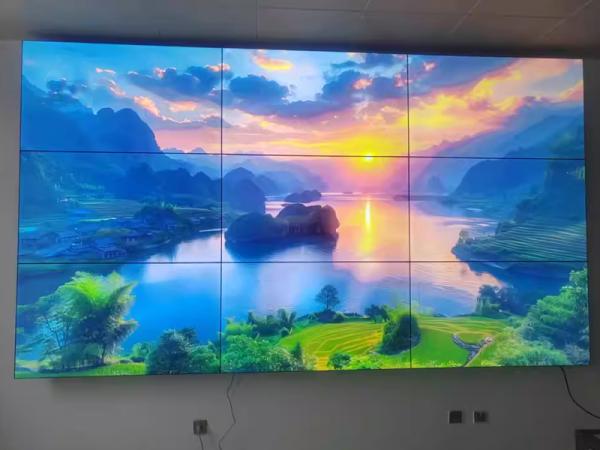
1. Signal source: There is no limit to the signal source for splicing the screen on the image. However, from the display effect of mosaic screen, it is suggested to choose a signal source with higher signal quality and resolution. You can choose high-definition signal sources such as HDMI and DVI.
2. Mosaic screen: When choosing mosaic screen, we should pay attention to the following points: Mosaic screen generally contains a built-in mosaic screen processor, which is matched with the software of a mosaic processor, and the function of this processor is to complete the image mosaic between various screens.
3. Matrix: The mosaic screen processor can only realize the image fusion function, but cannot display the video switching function, so we need a matrix switcher to realize the switching function. The interface type of matrix depends on the interface between signal source and large screen. The number of input terminals of the matrix depends on the number of signal sources, and the size of output terminals of the matrix depends on the size of the mosaic screen, but the output ports of the matrix must be greater than or equal to all interfaces of the mosaic screen.
Connection operation between splicing screen and matrix
(1) signal source output and matrix; Is connected to the input terminal of.
(2) the output end of the matrix is connected to each screen of the splicing screen;
(3) Each screen in the splicing screen is connected in series (or network cable) through RS-232 lines;
(4) The RS-232 wire (or network cable) connected in series between spliced screens is connected to the last screen, and then the output is connected to the control computer;
(5) The RS-232 serial port of the matrix is also connected with the control computer through the RS-232 line;
(6) Compressing the same signal on the display device.
(7) Open the software through the software control matrix of the splicing processor, find the "mode" button on the software, and click and select the "splicing button" button to open the splicing control panel.
(8) According to the size of screen splicing, select the splicing signal source, then use the mouse box to select the output channel, and finally press "Splicing Execution" to realize the splicing function.
The above is the principle of splicing screen and matrix connection, and it is only a brief introduction, hoping to help everyone. If you don't understand or understand anything, please consult our staff directly.
Noticias Relacionadas

P2.5 LED poster screen display machine fully assembled (A)
Jun .20.2026
Welcome Middle Eastern customers to come and inspect the LED poster screen display machine.
Indoor P4 LED display screen machine: magnetic suction simple box workshop assem
Jun .19.2026
Application scenariosCommercial retail fieldMall atrium: LED display screen machine is used for brand promotion and promotional information display.
Indoor P4 LED display screen machine: magnetic suction simple box workshop assem
Jun .18.2026
Typical caseUpgrading project for digital signage LED screen display machines in shopping malls.
Indoor P4 LED display screen machine: magnetic suction simple box workshop assem
Jun .17.2026
Product definitionThe indoor P4 LED display machine is a high-definition display device designed specifically for indoor environments.