


Most detailed installation and debugging tutorials of LCD splicing screen in the whole network
Nov .17.2025
views
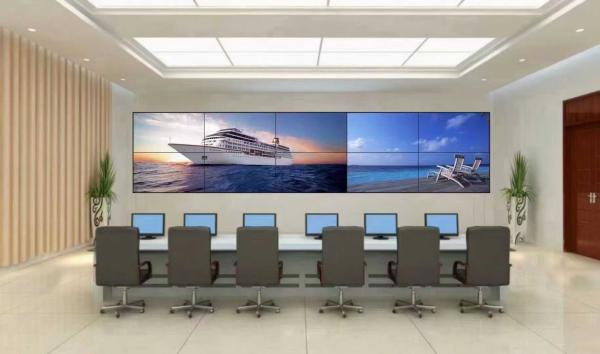
A. The LCD splicing unit is composed of LCD screen, movement and fixing frame. Before installing the LCD splicing unit in the cabinet (rack), assemble the LCD splicing unit to a satisfactory state, or click the "Reset" button to restore it to the factory setting state. Note: it is required to operate in a large screen to achieve the consistency of the screen.
B. Image mode of LCD splicing TV wall (debugging method): Click the "Image mode" button to set and select the images of each LCD splicing unit of LCD splicing wall, which are "standard", "bright" and "user" respectively.
C. Still Image: Click the "Still Image" button to set and select on and off each LCD splicing unit of the LCD splicing wall and the current image in large screen mode, so as to facilitate careful observation of the details of the screen.
D. Advanced Settings: Click the "Advanced Settings" button and enter the password "ABC.123" as shown in dialog box 2, which is the factory default password.
The following adjustment interface is displayed. Note:
1. "Password check at startup" means that the startup password of the control software can be set, that is, after clicking the "Start System" button, you need to enter the password before you can use the interface of the control software. The default password is "000000";
2.The items of "Intelligent Screen Enlargement" and "VGA Adjustment" are only effective in each mode of picture splicing, but have no effect in the mode of "Automatic Video Distribution Status". This button can set the password of "Start System" on or off.
3. "Memory startup mode" After selecting the memory startup mode, when the software system is started, it will automatically switch to the state of signal input or mode selection selected when the control software is closed.
4. "Start switching to AV, VGA or HDMI" selects the selected signal input, and when the software is started, the screen will switch to the selected signal screen.
5.VGA splicing picture adjustment: (Turn on the button first) VGA automatic adjustment and memory input channel: Select one or more units, select VGA channel "1" in the input channel frame, and then click the "Adjust" button to start automatic adjustment of the selected LCD splicing unit. It will take about 10 seconds to complete the adjustment, and all LCD splicing units of the LCD splicing wall and the current image in large screen mode can be automatically adjusted to the best state.
6. Adjust VGA channels "2" to "9" in the same way. Note: In the process of debugging each channel, if some images shift from left to right, you must select the unit first, and then click the "+"or "-"button of the clock. At this time, the images will move from left to right, then click the "VGA automatic adjustment" button, and finally click the "Manual adjustment and save" button after the automatic adjustment is completed. At the same time, the following settings can be used for auxiliary adjustment: such as "horizontal displacement, vertical displacement, horizontal scaling and vertical scaling" button, and clicking "Reset" button can restore it to its initial state.
Related News

How to reduce the procurement cost of LCD splicing screen display machines? (B)
Jul .27.2026
2、 Core cost reduction strategy: Choose the direct sales model of LCD splicing screen display machine manufacturers.
How to reduce the procurement cost of LCD splicing screen display machines? (A)
Jul .25.2026
Ruiguan manufacturer‘s direct sales LCD splicing screen display machine saves 30%.
Ruiguan LCD splicing screen displays the green production path of machine manufa
Jul .24.2026
Energy saving LCD splicing screen display machine product design: Throughout the product lifecycle.
Ruiguan LCD splicing screen displays the green production path of machine manufa
Jul .23.2026
Innovative practice of energy saving and environmental protection era for LCD splicing screen display machines.